Table of Contents
Add a Data Logger
How to add a new device (e.g., ZL6, ATMOS 41W).
Table of Contents
Add a ZL6 or ATMOS 41W device to your organization by entering its serial number and password, then use folders to keep your devices organized.
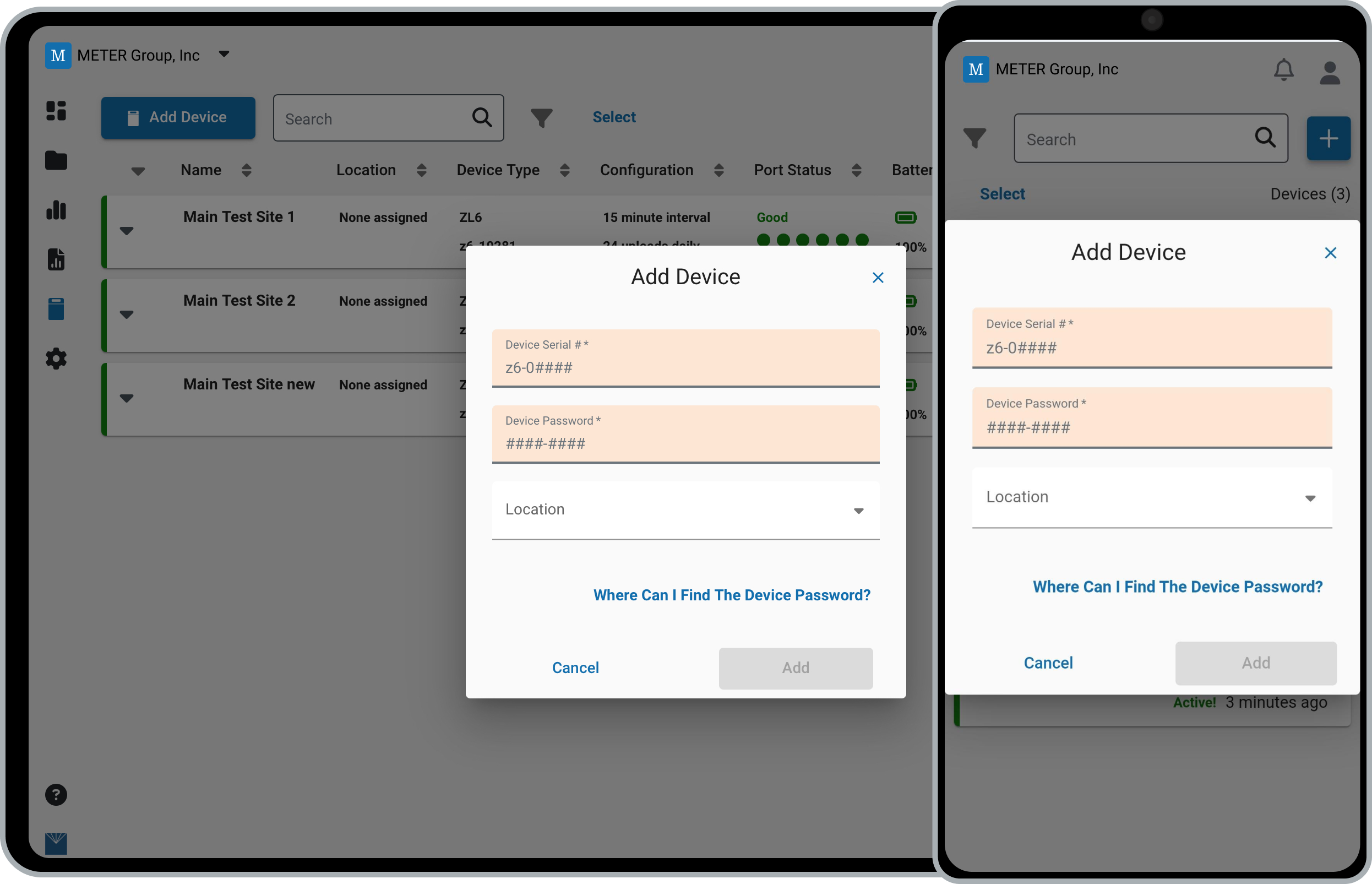
Before you start
Have your device serial number and password ready (both are printed on the orange card provided with the device).
Adding a SOLYX Go handheld? See SOLYX Go Handhelds instead.
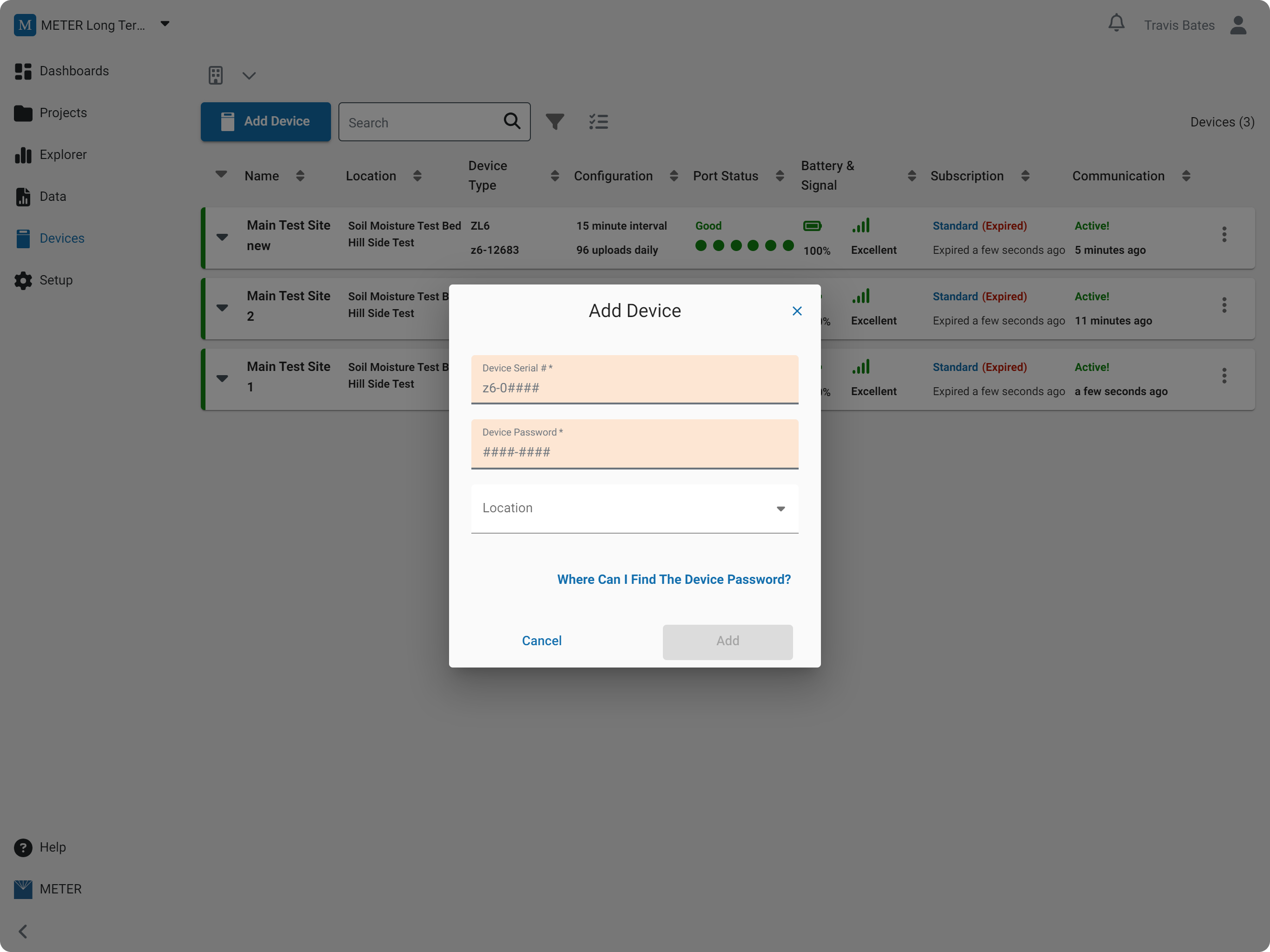
Add a device
- In the navigation menu, select Devices.
- Click Add Device.
- Enter the device serial number and password.
- (Optional) Assign the device to a folder.
- Click Add.
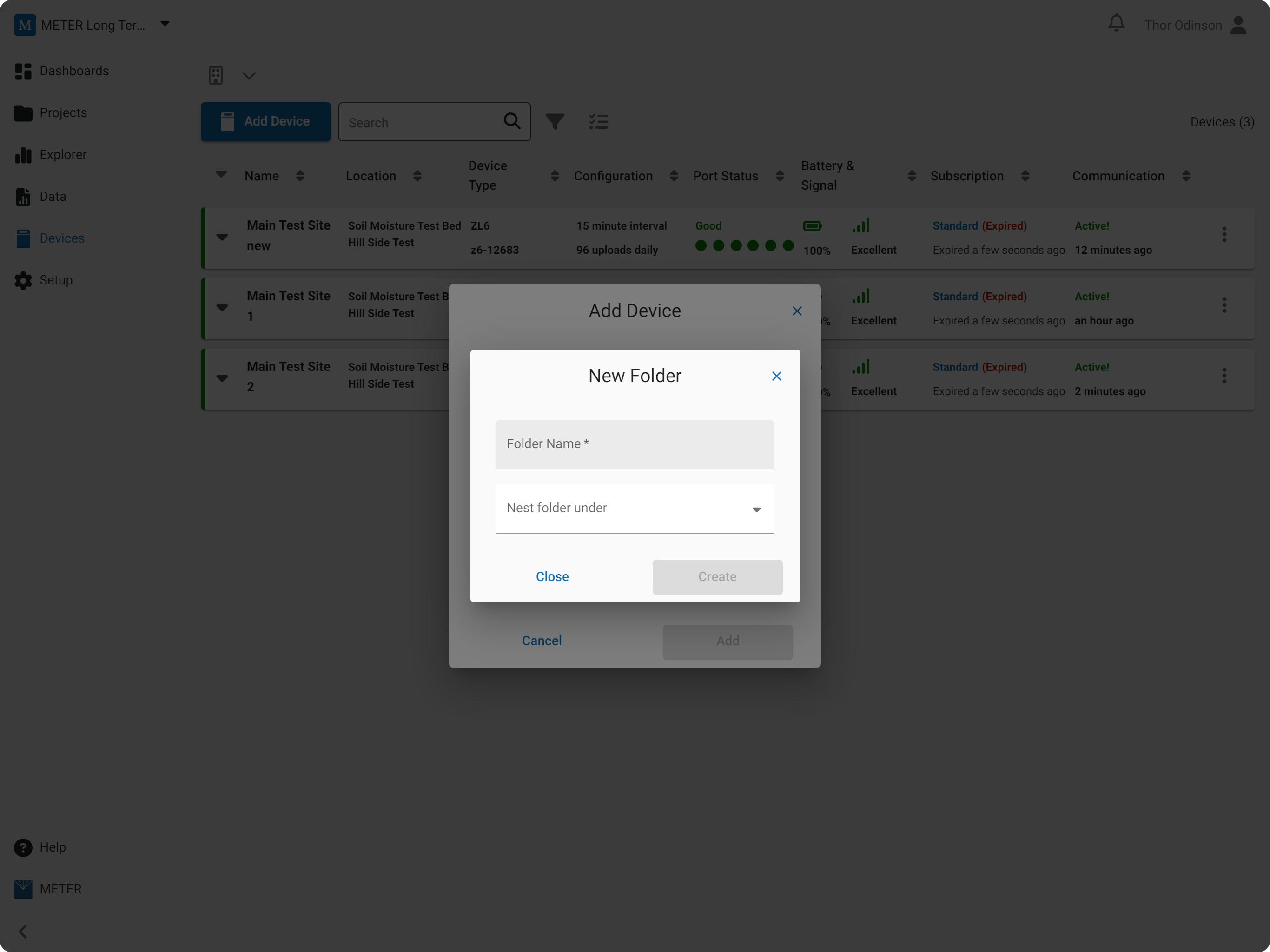
Create a folder
- From the dropdown menu, select Create New.
- Enter a name for the folder.
- Nest the folder inside another folder if desired.
- Click Create.
Add device
Create folder
How-to-video
How did we do?
Configure a Data Logger
