Table of Contents
Organization Name & Time Zone
How to edit the name of the organization and set the time zone.
Table of Contents
Edit your organization's name, time zone, and color.
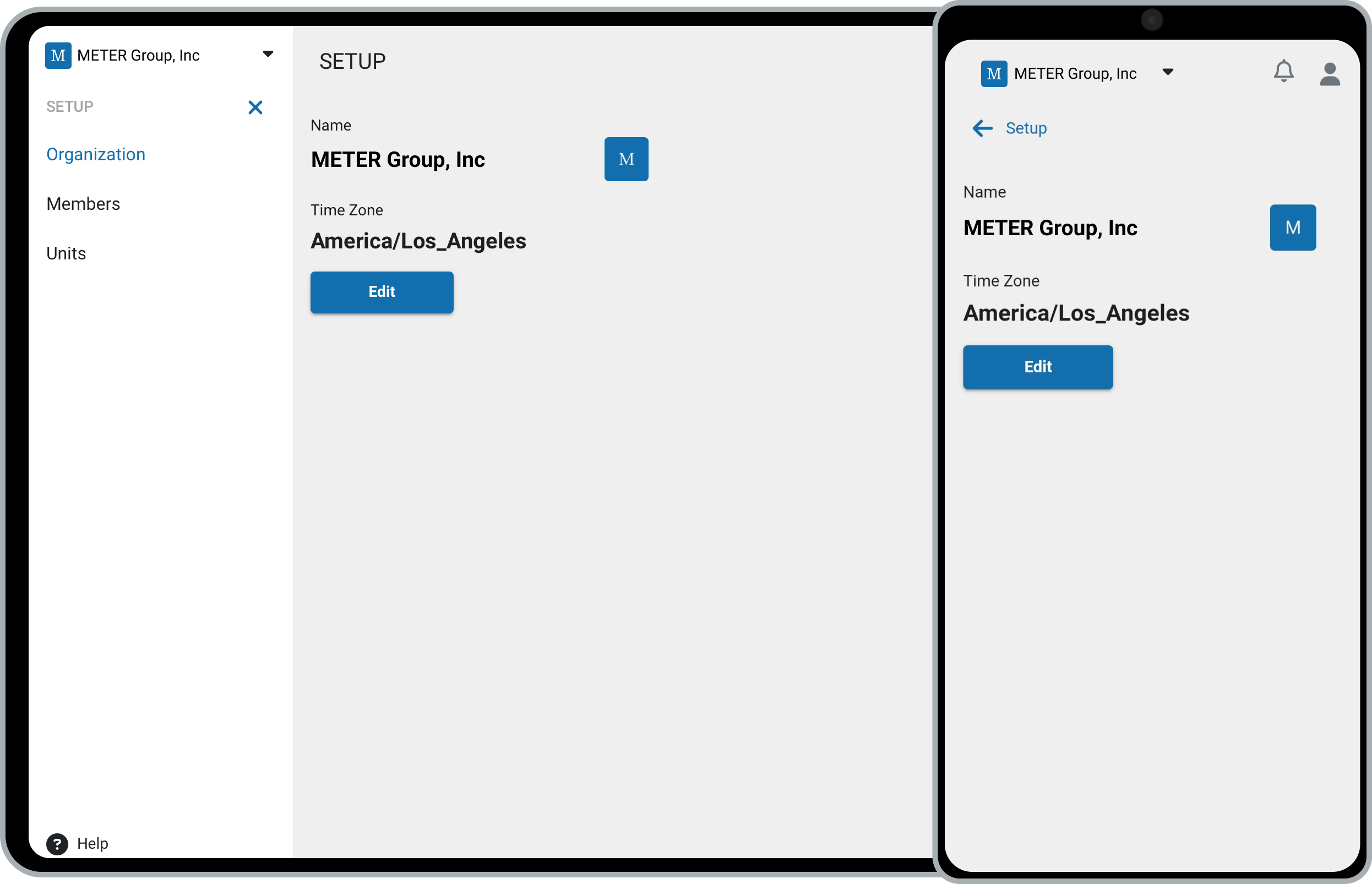
Edit your organization
- Navigate to Setup:
- On desktop: click Setup, then Organization.
- On mobile: tap the organization to open the menu, tap Setup, then select Organization.
- Click Edit to update the name, time zone, or color.
- Click Save to apply your changes.
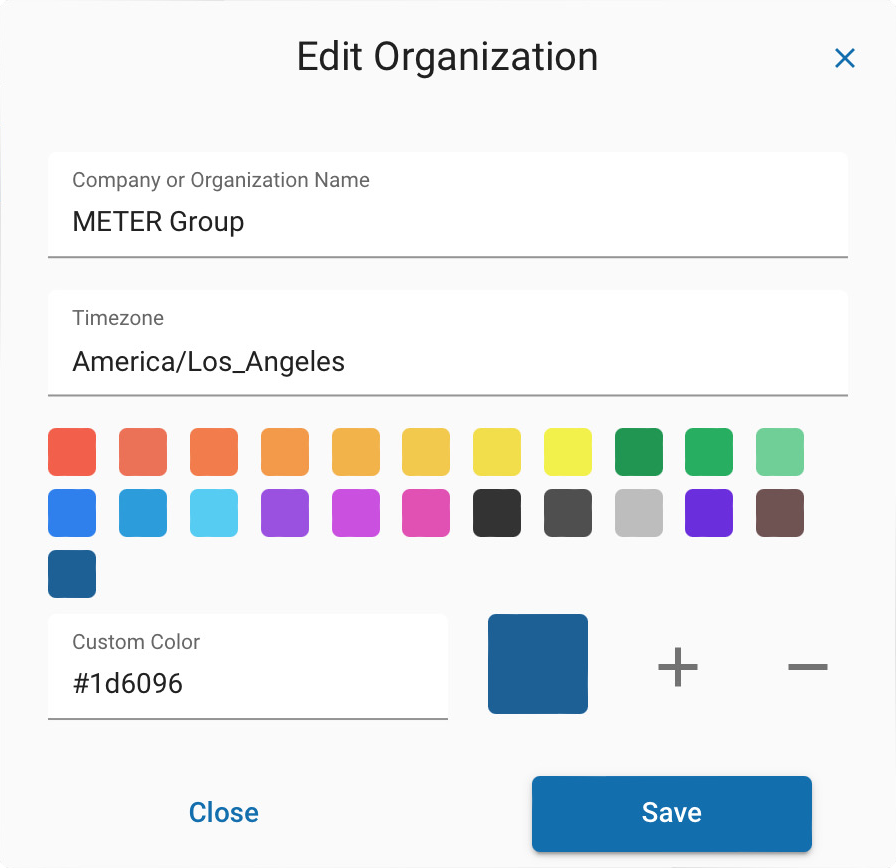
The time zone you set here is the default time zone for the organization.
How did we do?
Your Workspaces
Members
