Create New Organization
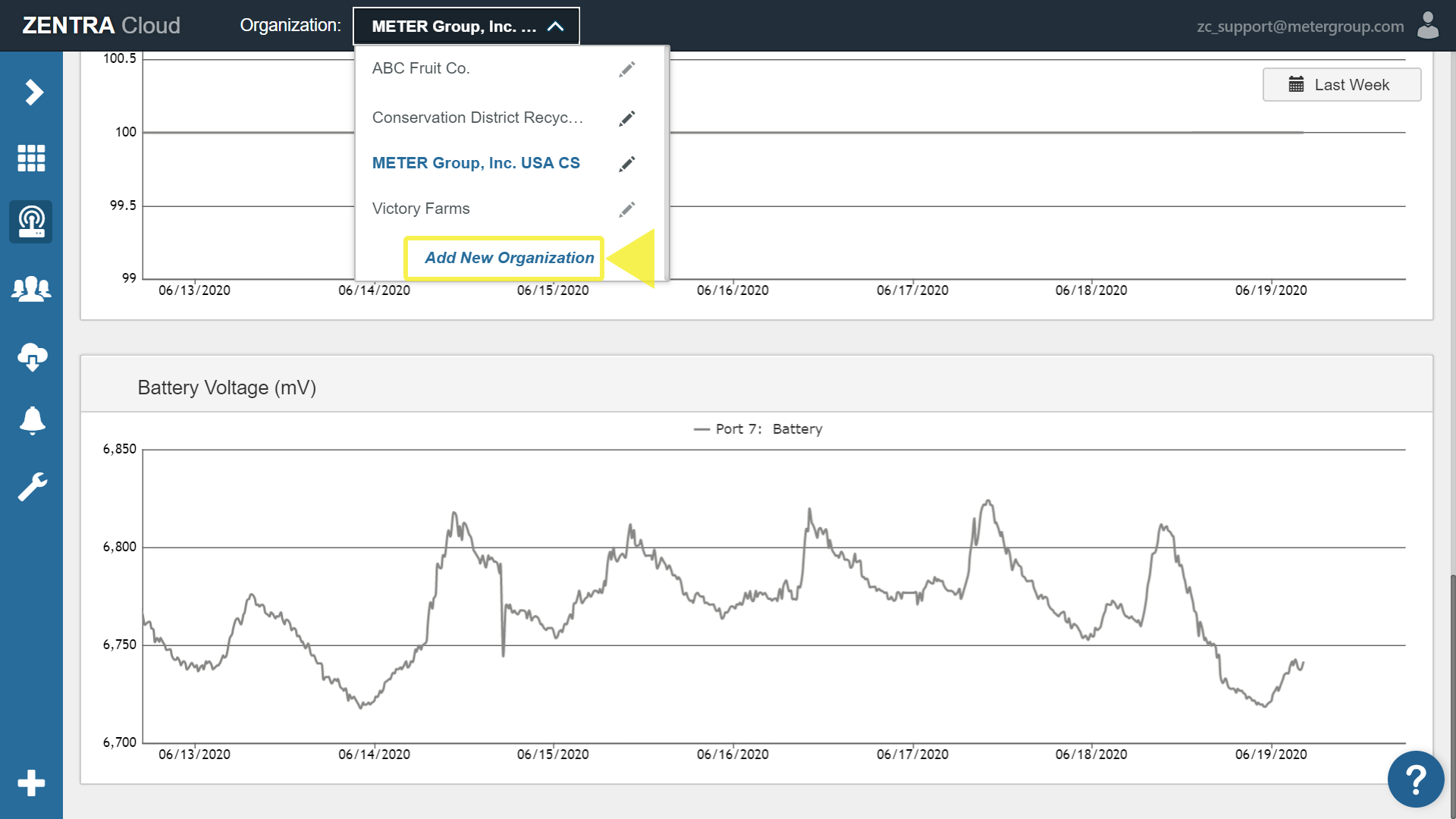
To create a new organization open the organization menu and click add new organization. A device can only belong to one organization at a time.
Open the organization menu and click Add New Organization.
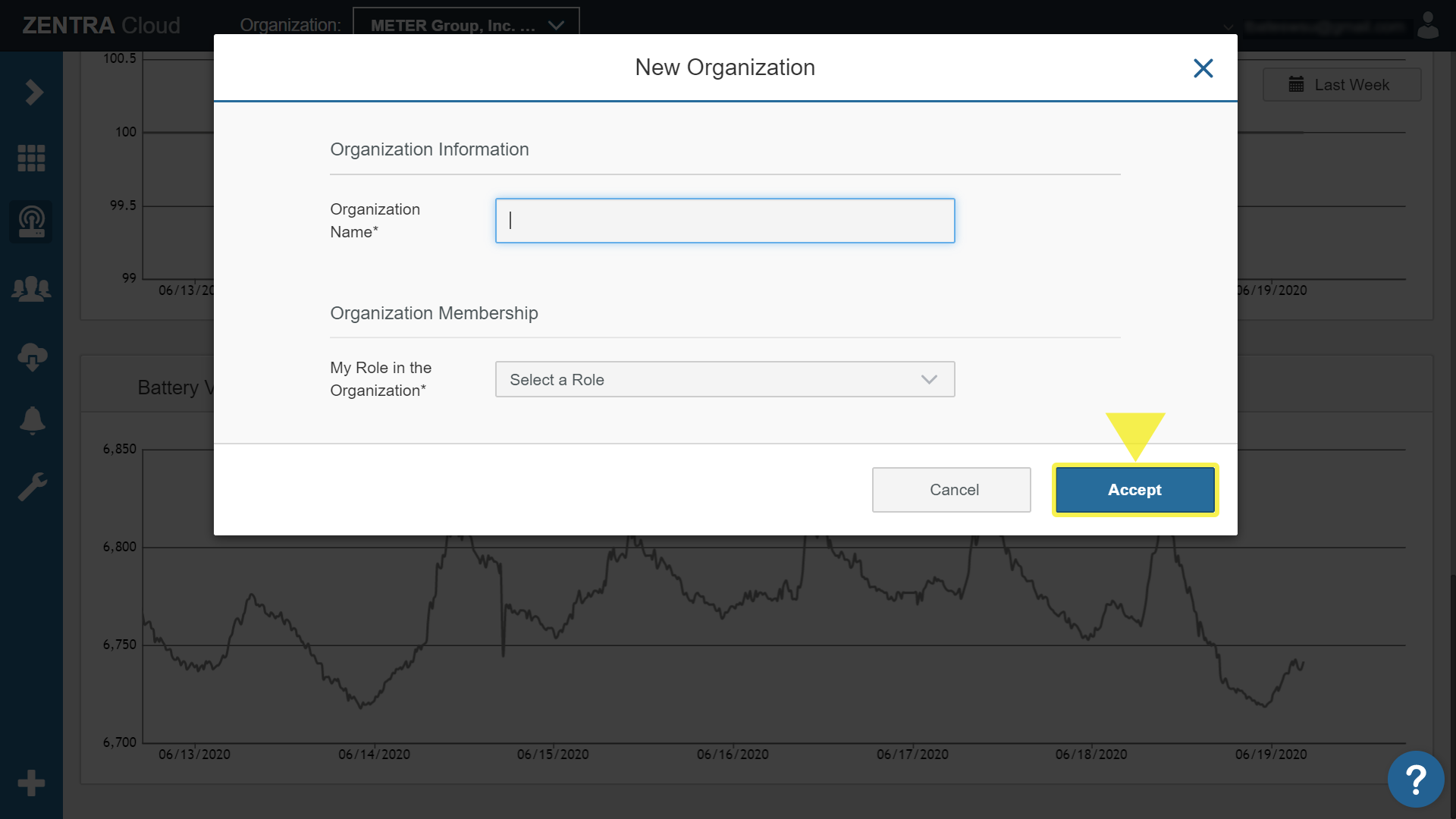
Enter a name and select a role from the dropdown. Click Accept to create the organization.
NOTE: A device can only belong to one Organization at a time.
How did we do?
Delete Organization
