Table of Contents
Manage Organizations
How to view organizations you are a member of, including how to create, setup, delete, and leave.
Table of Contents
View and manage the organizations you belong to, including how to create a new organization, open its setup, leave an organization, or delete one.
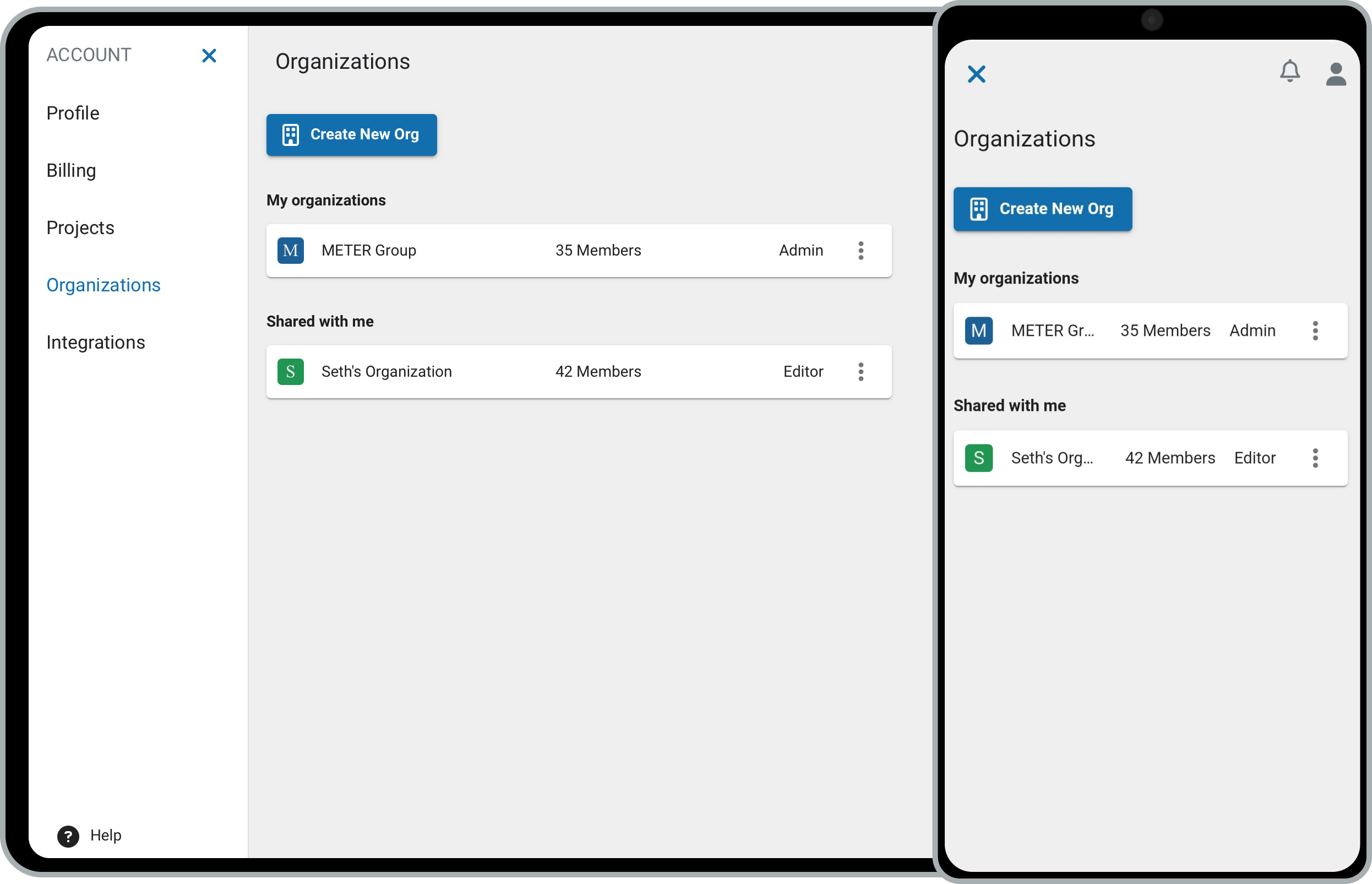
Create a new organization
- Click your username in the upper right, then select Organizations.
- Click Create New Org.
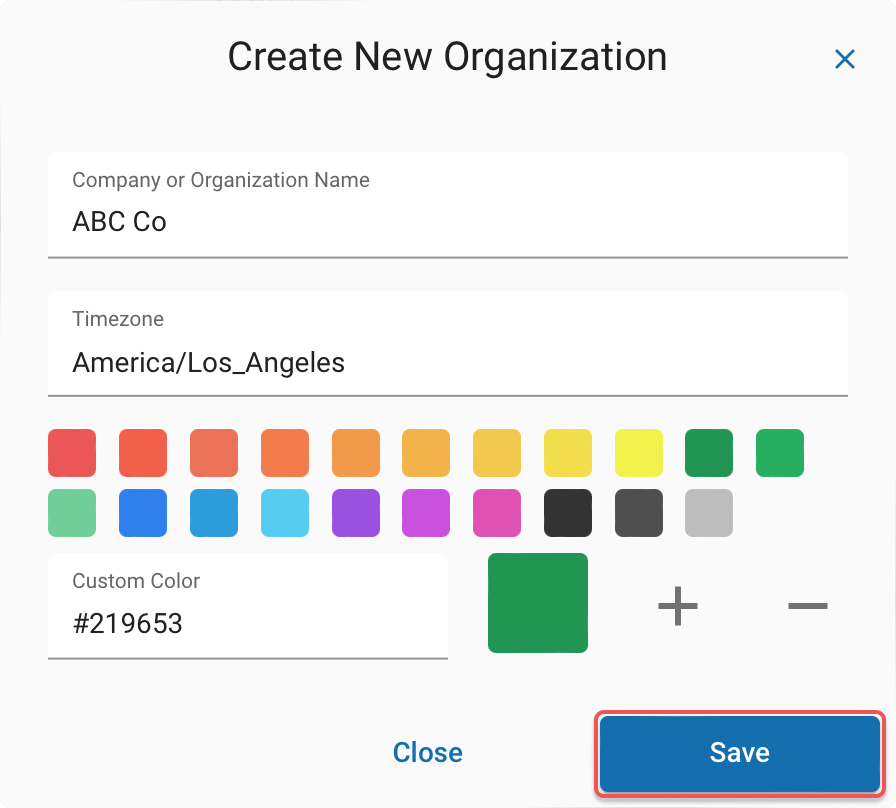
- Enter a name for the new organization.
- Select a time zone.
- Edit the color.
- Click Save to finish.
Create organization
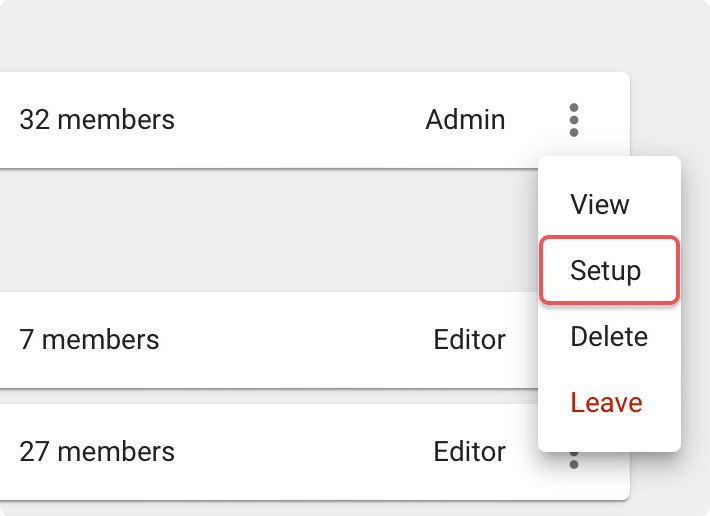
Open organization setup
- Click the three dots to open the organization options.
- Select Setup.
From here you can manage your organization's name and time zone, members, and units.
Leave an organization
- Click the three dots to open the organization options.
- Select Leave, then confirm.
Confirm leave organization

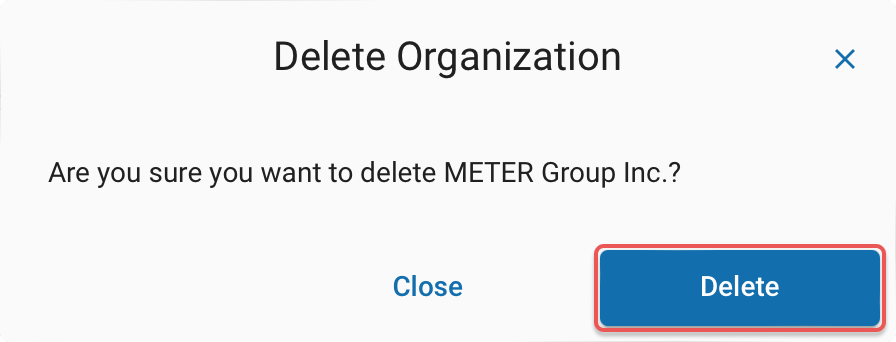
Delete an organization
- Click the three dots to open the organization options.
- Select Delete, then confirm.
Confirm organization deletion
How did we do?
Profile
Your Workspaces
