Table of Contents
Profile
How to edit your profile, including name, phone number, language, and password.
Table of Contents
View and edit your profile, including your name, phone number, language, password, and email preferences.
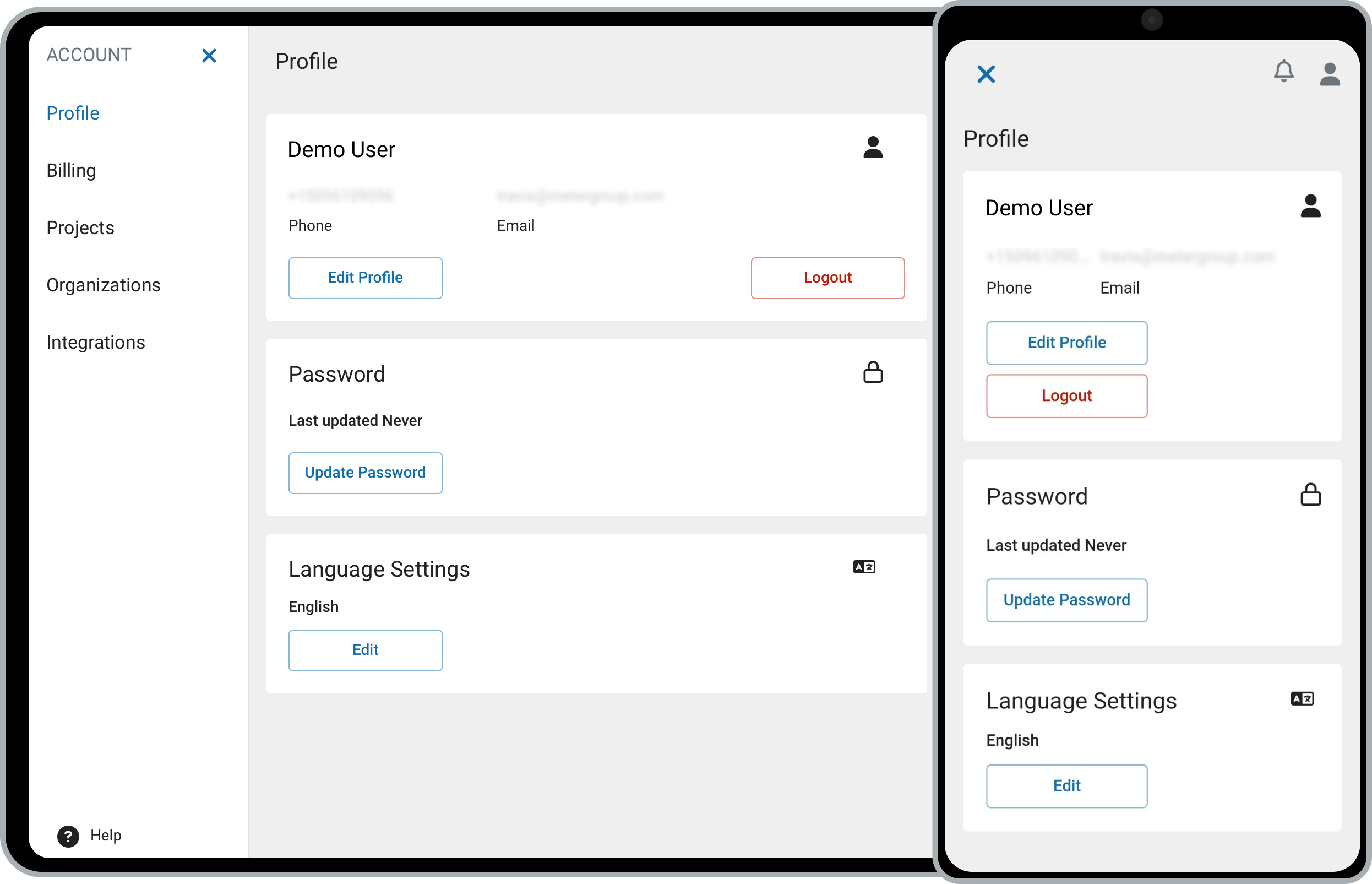
Edit your profile
- Click your username in the upper right, then select Profile.
- Update your details:
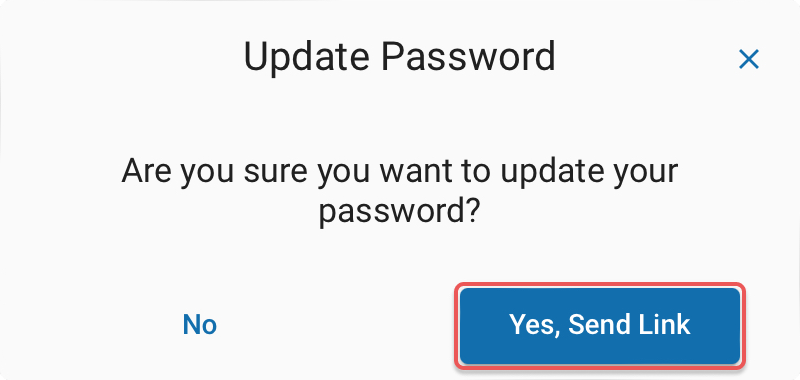
- Click Edit Profile to update your name and phone number.
- Click Update Password to change your password.
- Click Edit next to your language to change it.
Edit profile
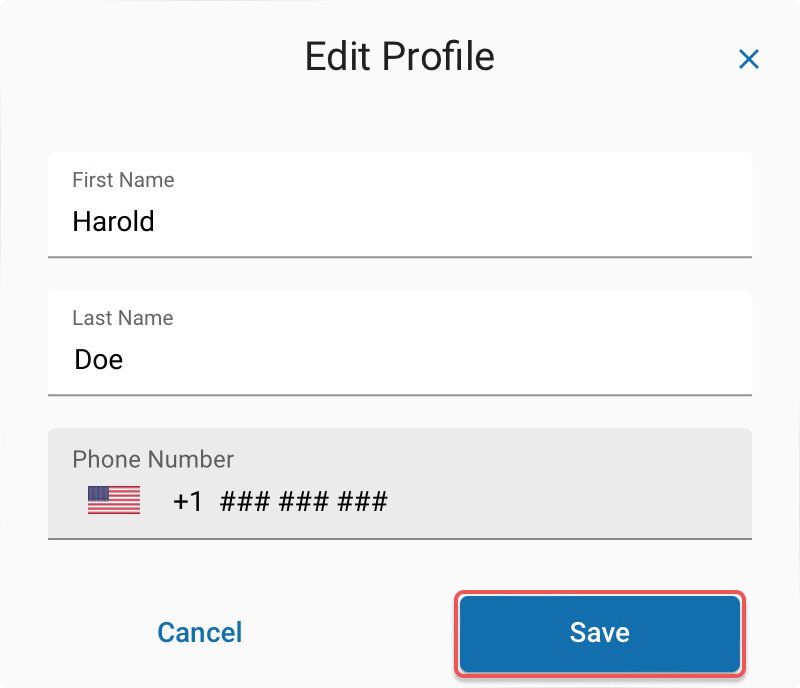
Edit language
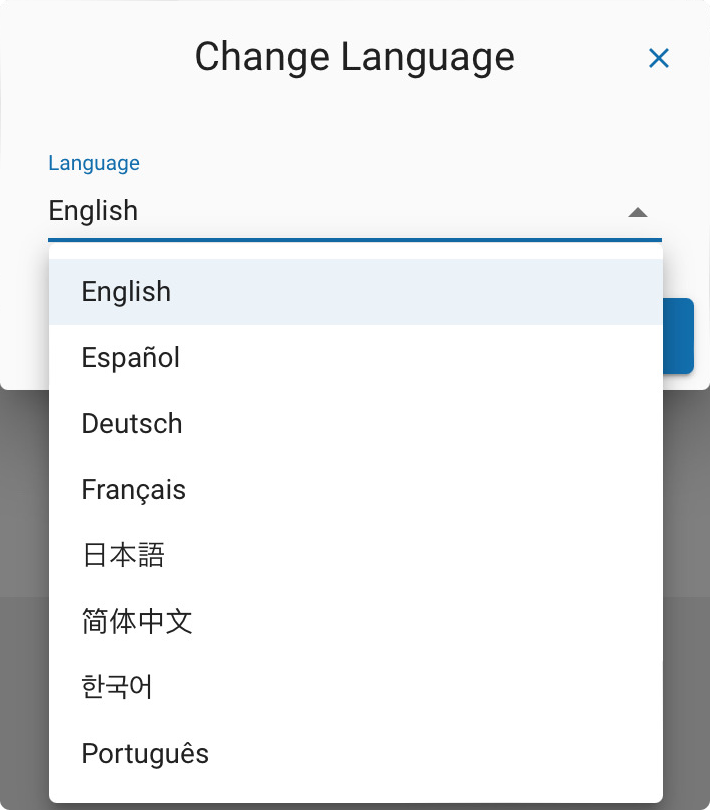
Update password
Manage your email preferences
Choose which emails you receive from ZENTRA Cloud.
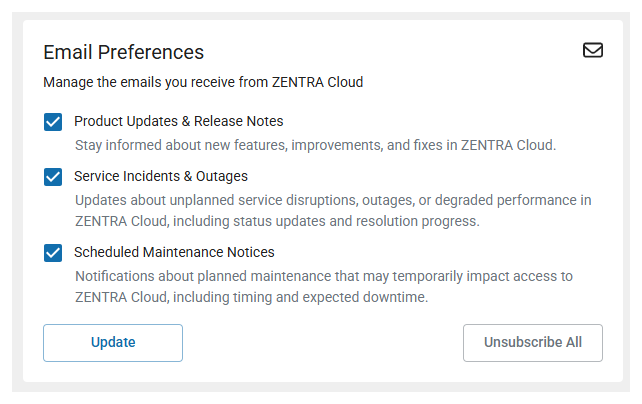
- In the Email Preferences section, select or clear each notification type:
- Product Updates & Release Notes — new features, improvements, and fixes in ZENTRA Cloud.
- Service Incidents & Outages — unplanned disruptions, outages, or degraded performance, including status updates and resolution progress.
- Scheduled Maintenance Notices — planned maintenance that may temporarily affect access, including timing and expected downtime.
- Click Update to save your changes, or click Unsubscribe All to turn off every email type at once.
How did we do?
Manage Organizations
