Table of Contents
Units
How to select units for an organization.
Table of Contents
Everyone in an organization shares the same units, which you can update under Setup. Organization units are the default for workspaces, and each workspace can manage its units independently.
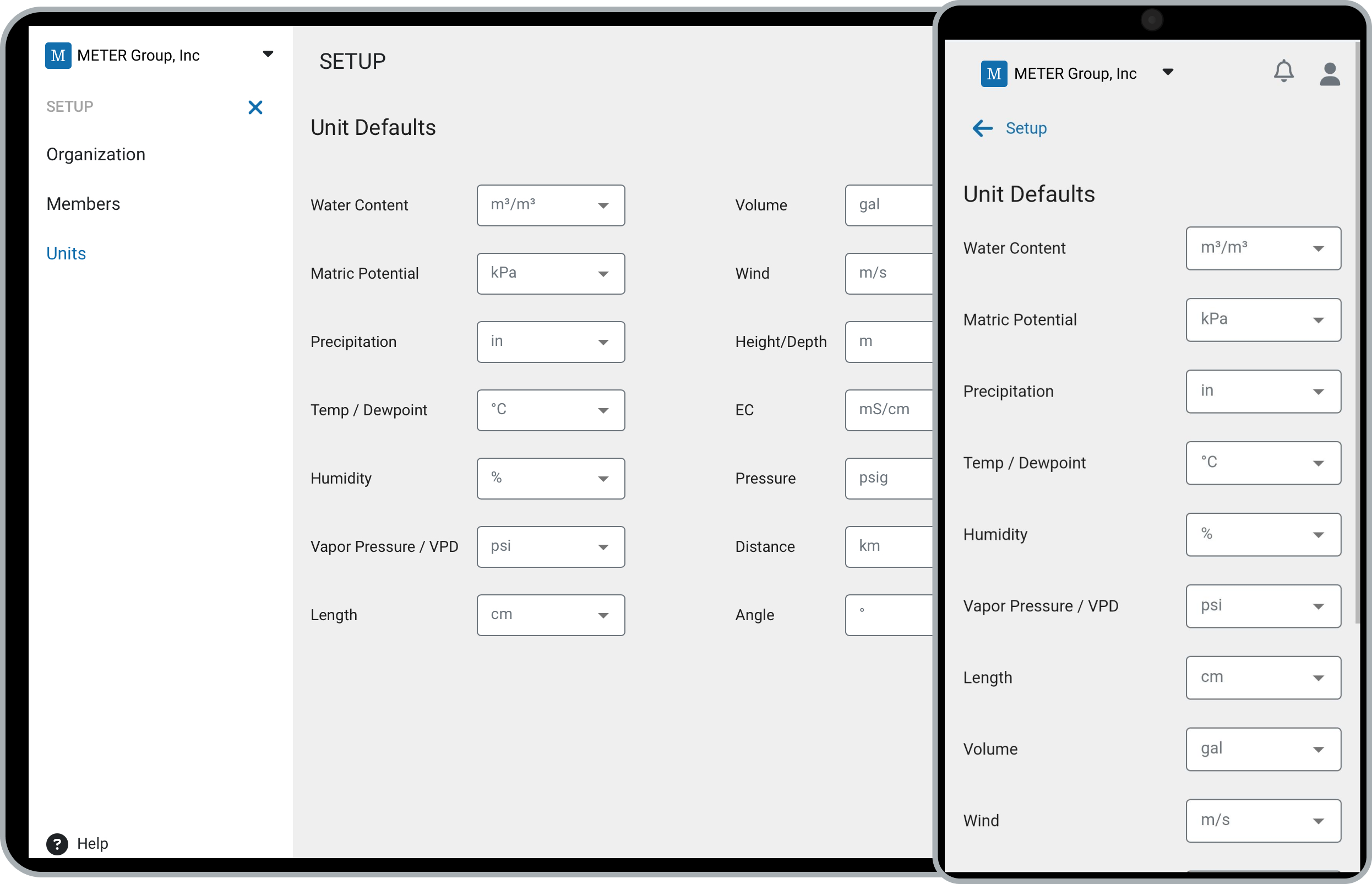
Edit Units
- Navigate to Setup:
- On desktop: click Setup, then Units.
- On mobile: tap the organization to open the menu, tap Setup, then select Units.
- Choose your units:
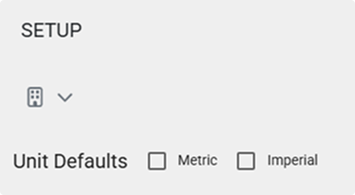
- Use the quick select to switch between Metric and Imperial.
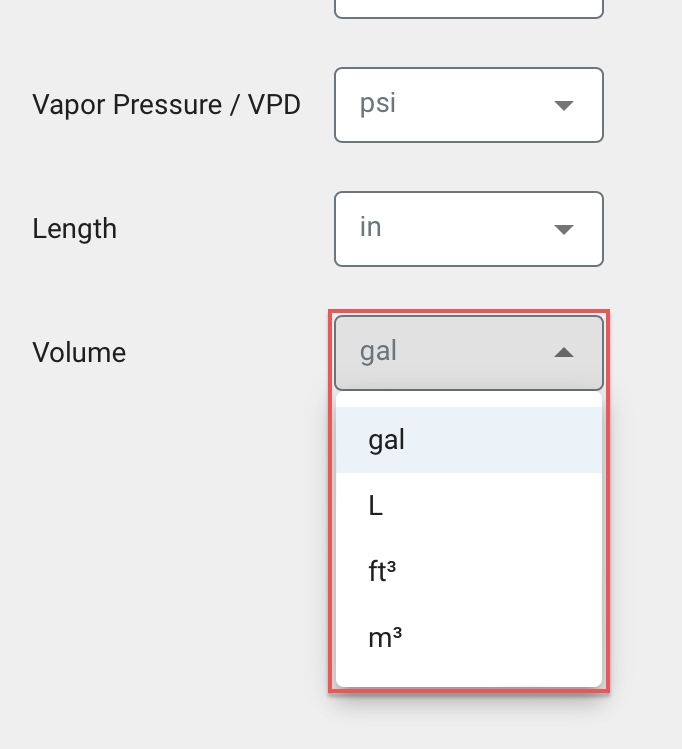
- Use the individual dropdowns to customize specific units.
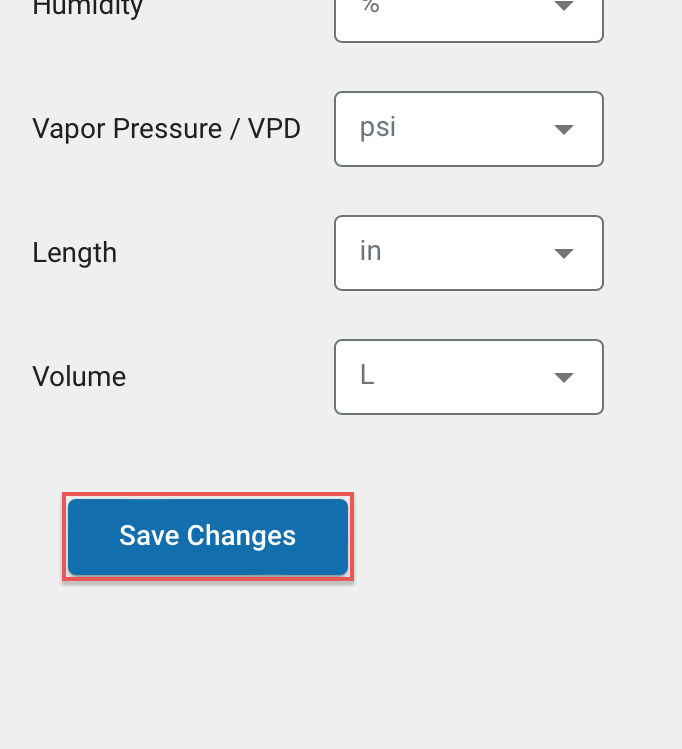
- Click Save to apply your changes.
New organizations default to Metric.
Quick Select
Customize
Save
How-To-Video
How did we do?
Members
Archive
