Table of Contents
Your Workspaces
How to view projects you are a member of.
Table of Contents
View the workspaces you belong to and leave a workspace you no longer need.
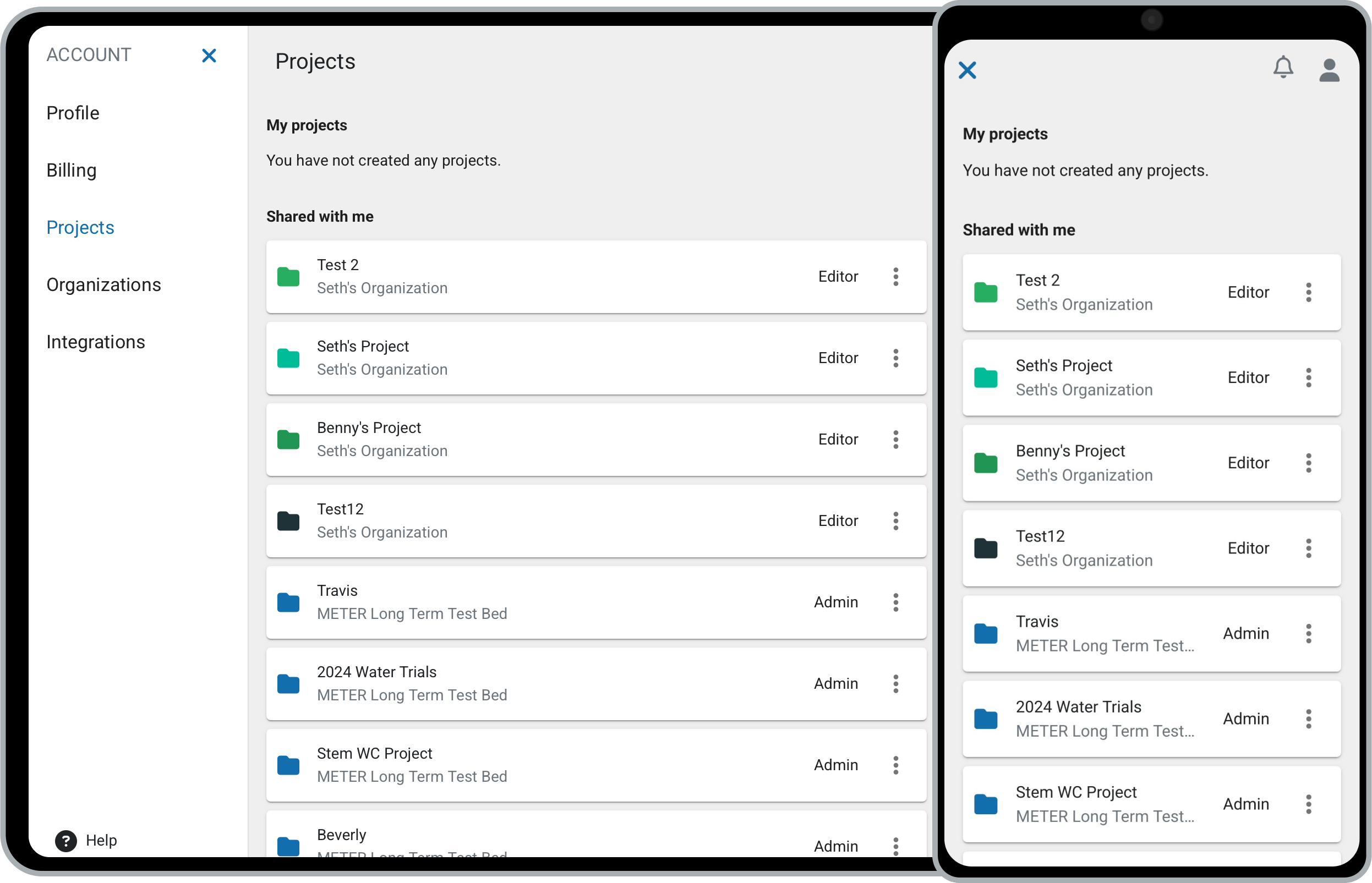
View and leave workspaces
- Click your username in the upper right, then select Workspaces.
- Click the three dots next to a workspace to open its options.
- Choose an action:
- Select View to open the workspace.
- Select Leave to leave the workspace.
How did we do?
Manage Organizations
Organization Name & Time Zone
