Table of Contents
Workspaces
How to create a workspace.
Table of Contents
A workspace is a scoped view within your organization. Use workspaces to organize data by field site, study, or client, and to share a focused subset of your organization's data with collaborators who don't need full access.
Create a workspace
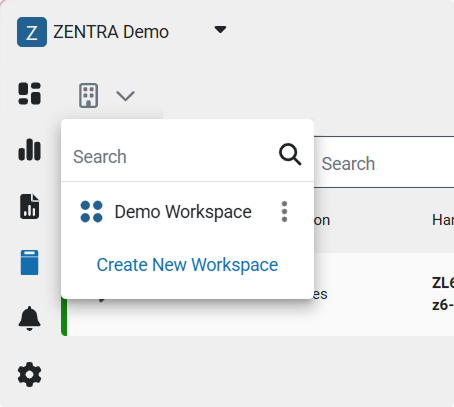
- From Dashboards, Explorer, Data, or Devices, open the context dropdown and select Create New Workspace.
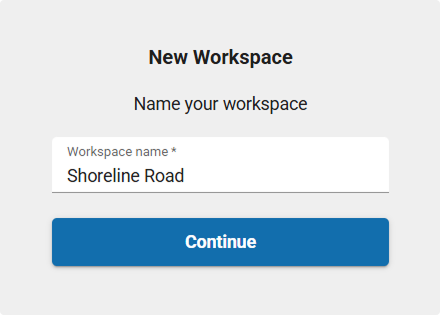
- Enter a name for the workspace.
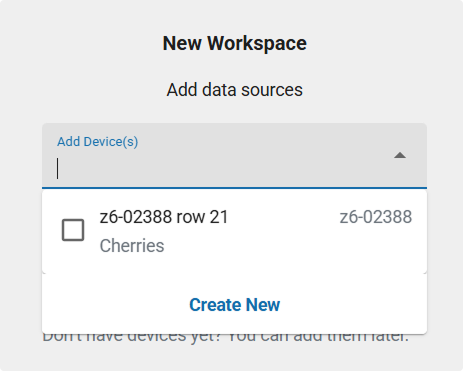
- Select the data sources (devices) to include. You can also skip this step and add them later.
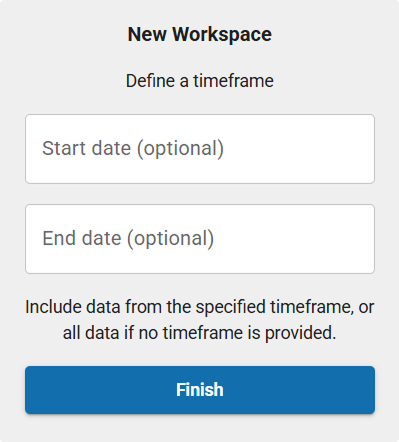
- (Optional) Enter a Start date and End date to limit the workspace's timeframe.
- Click Finish to create the workspace.
Add members
While in the context of the workspace, click Setup, then Members.
Set units
By default, workspace units are inherited from the organization. To change them, open the workspace, click Setup, then Units.
How-To-Video
How did we do?
