Table of Contents
Explorer: Targets
How to create a target (RANGE, THRESHOLD, DELTA, SUM).
Table of Contents
Targets are a useful way to visualize your data against a defined goal or range. Several target types are supported: RANGE, THRESHOLD, DELTA, and SUM.
DELTA and SUM are not yet available in ZENTRA Cloud 2.0.
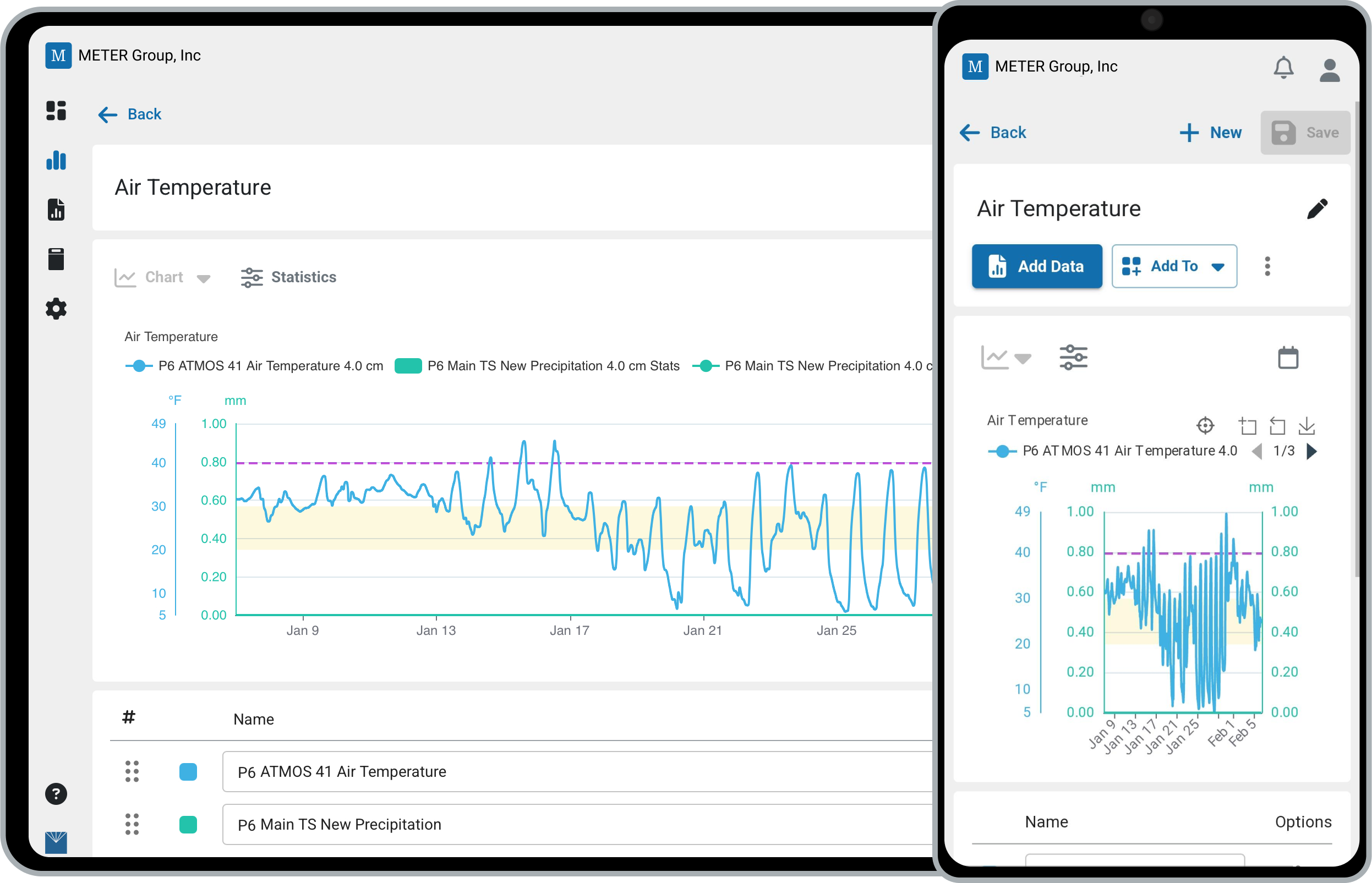
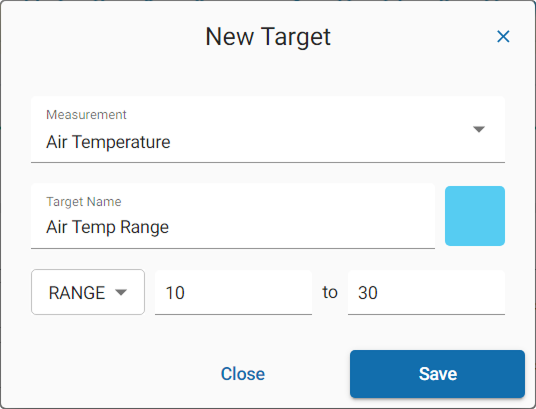
Create a target
- Click Target, then select Add New.
- Select the Measurement type.
- Enter a name for the target.
- Set a color.
- Select the target type: RANGE, THRESHOLD, DELTA, or SUM.
- Enter the values for the target.
- Click Save.
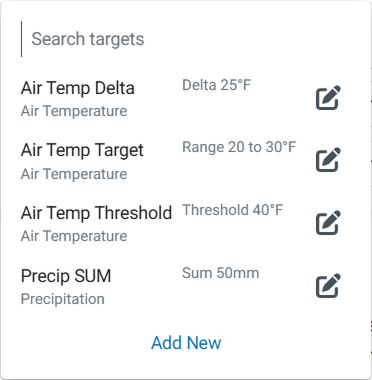
- To apply it to a chart, click Target and select the target from the list.
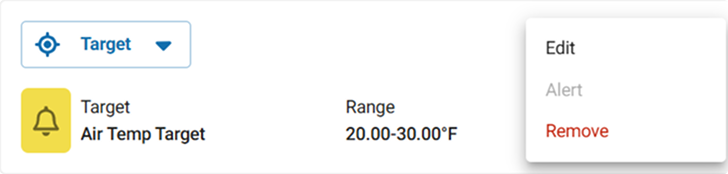
Edit a target
- Click the three dots and select Edit, or
- Open the list of available targets and click the Pencil icon to edit a specific target.
Remove a target
Click the three dots and select Remove.
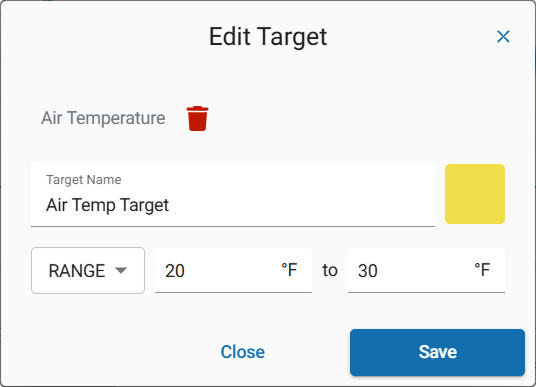
Delete a target
- Click the three dots and select Edit, or open the list of targets and click the Pencil icon.
- Click the Trash button, then confirm that you want to delete the target.
How-To-Videos
How did we do?
Explorer: Statistics & Metrics
Dashboards
