Table of Contents
Utah Chill Model
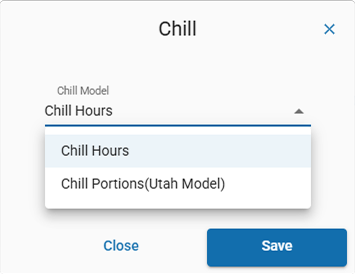
How to create a chill portions data stream.
Table of Contents
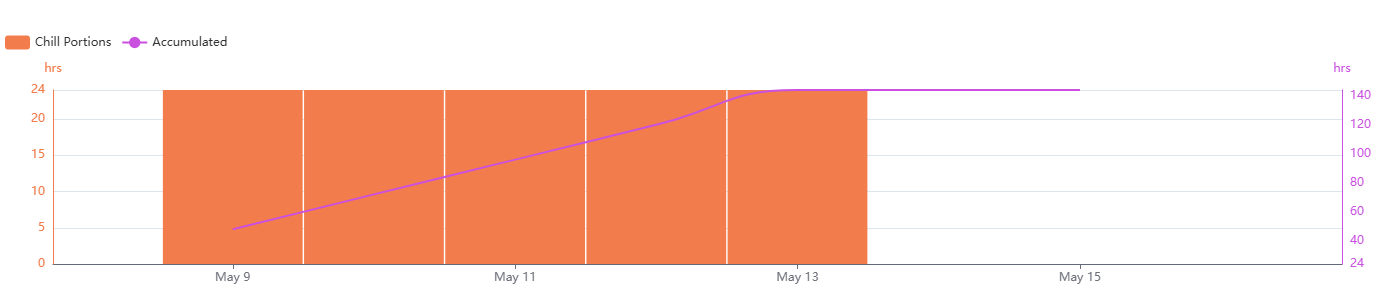
The Utah Chill Model calculates chill portions, a measure of effective chill for dormancy and bud development. Accurately calculating chill portions is important for fruit growers, helping ensure their trees meet the chilling requirements for healthy growth and fruit production. In the Utah model, chill units are assigned based on the number of hours within specific temperature ranges.
Temperature ranges
As defined by ZENTRA Cloud, the Utah model uses the following ranges:
Temperature (per hour) | Chill unit |
Below 34 °F | 0.0 |
34.01 - 36 °F | 0.5 |
36.01 - 48 °F | 1.0 |
48.01 - 54 °F | 0.5 |
54.01 - 60 °F | 0.0 |
60.01 - 65 °F | 0.5 |
Above 65.01 °F | -1.0 |
Supported sensors
Chill portions can be calculated from any temperature measurement.
Recommended sensors
- ATMOS 41
- ATMOS 41W
- ATMOS 14
- VP-4
- VP-3
- ECT
Create a Utah Chill Model
- On the Data page, click New Data.
- Select Utah Chill Model as the type.
- Select one or more temperature data sources.
- Edit the data stream color.
- Edit the data stream name.
- Select Create to finish.
The new data stream(s) will now appear in your data list.

How-To-Vides
How did we do?
Chill Hours
Daily Light Integral
