Table of Contents
Chill Hours
How to create a chill hours data stream.
Table of Contents
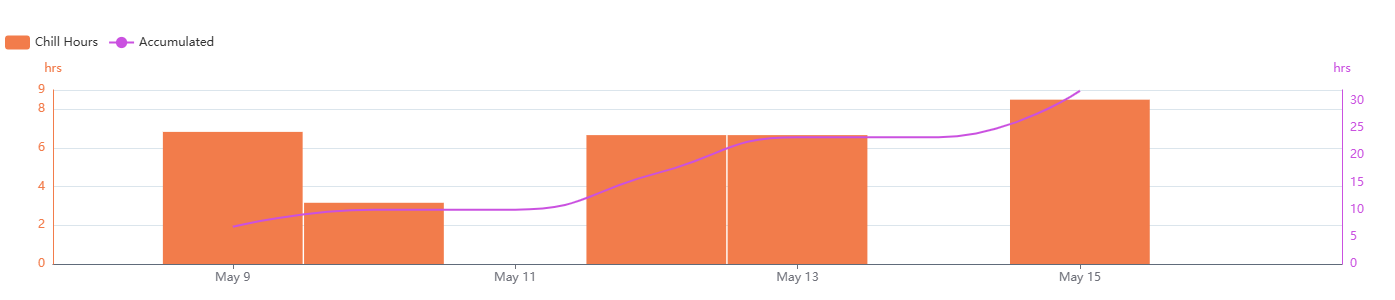
Chill Hours calculates the number of effective chill hours for dormancy and bud development. Accurately calculating chill hours is important for fruit growers, helping ensure their trees meet the chilling requirements for healthy growth and fruit production. By default, Chill Hours uses a minimum temperature of 0 °C and a maximum temperature of 7.2 °C.
Supported sensors
Chill Hours can be calculated from any temperature measurement.
Recommended sensors
- ATMOS 41
- ATMOS 41W
- ATMOS 14
- VP-4
- VP-3
- ECT
Create a Chill Hours model
- On the Data page, click New Data.
- Select Chill Hours as the type.
- Select one or more temperature data sources.
- Edit the data stream color.
- Edit the data stream name.
- (Optional) The default minimum and maximum temperatures are 0 °C / 7.2 °C (32 °F / 46 °F). Click the temperature defaults to edit these values.
- Select Create to finish.
The new data stream(s) will now appear in your data list.
Chill hours

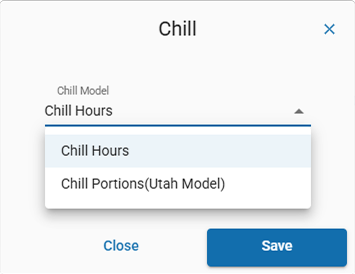
Model variants
How-To-Video
How did we do?
Utah Chill Model
