Table of Contents
Data Logger Map
How to view the map for a device.
Table of Contents
View your devices on an interactive map for spatial context. The map plots each device's location using its onboard GPS module, so you can see your whole fleet at once.
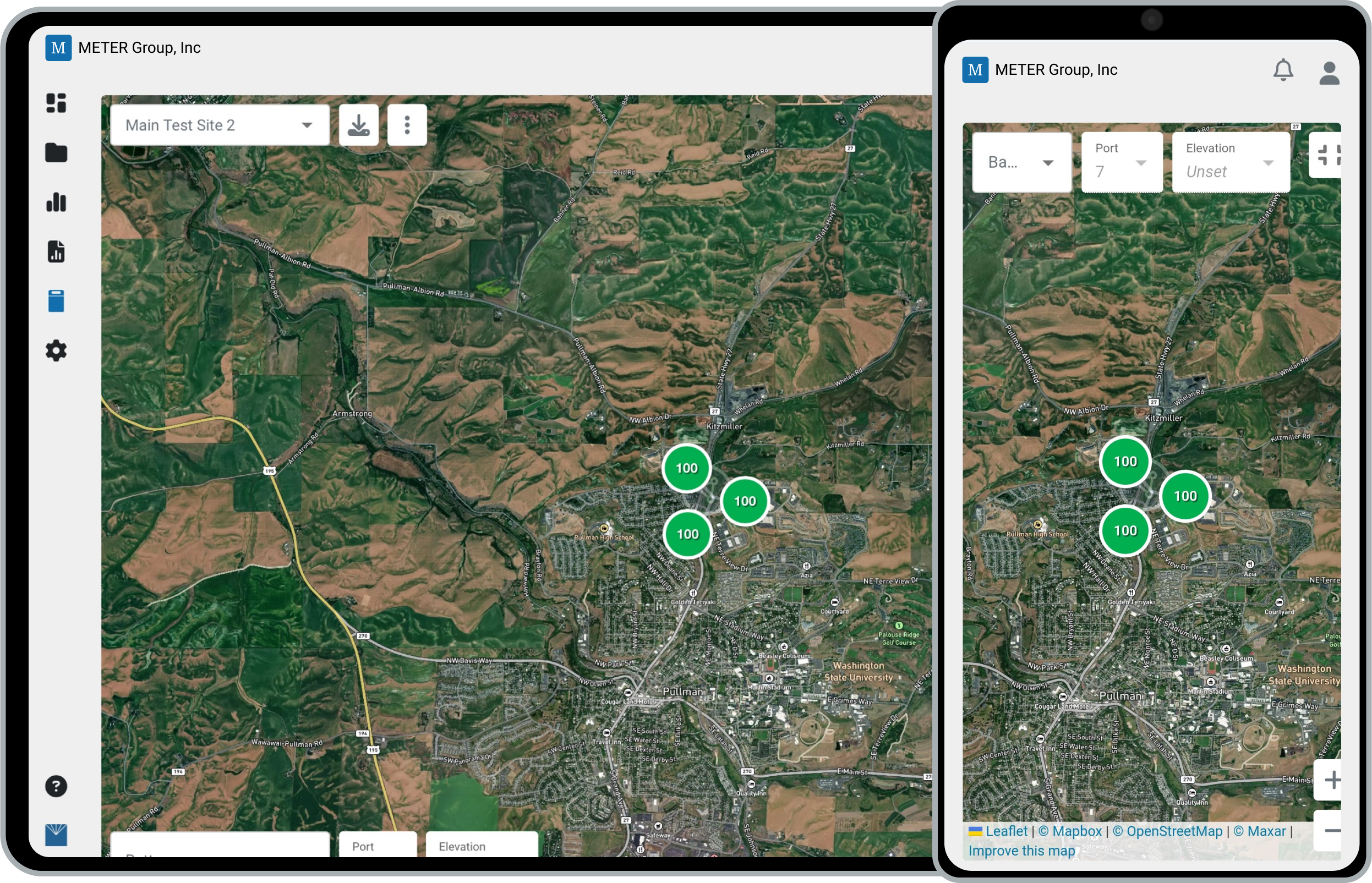
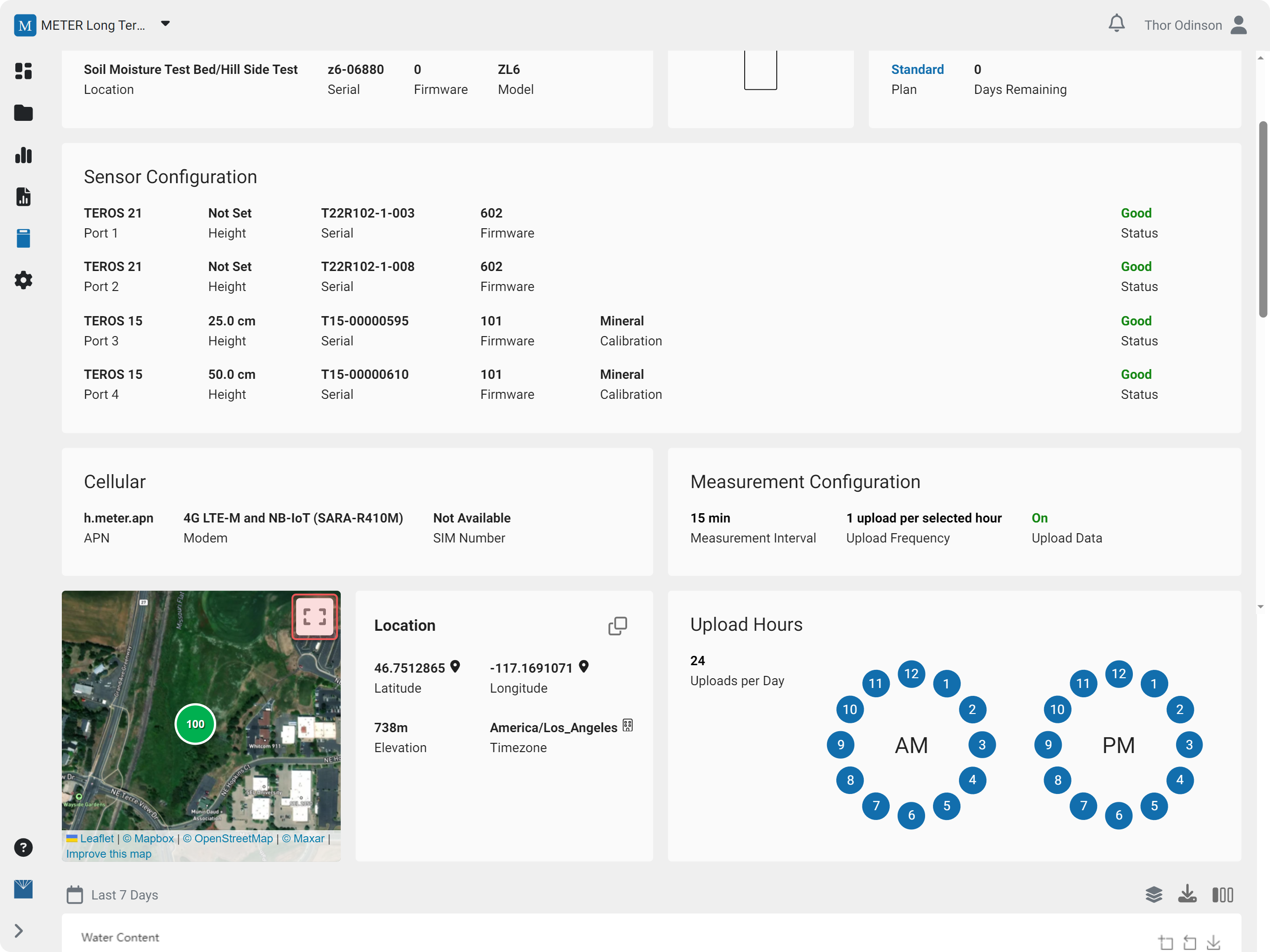
Open the map
- In the navigation menu, click Devices.
- Click the device name, then scroll down to the map inset.
- Click the Expand icon to open the interactive map tool.
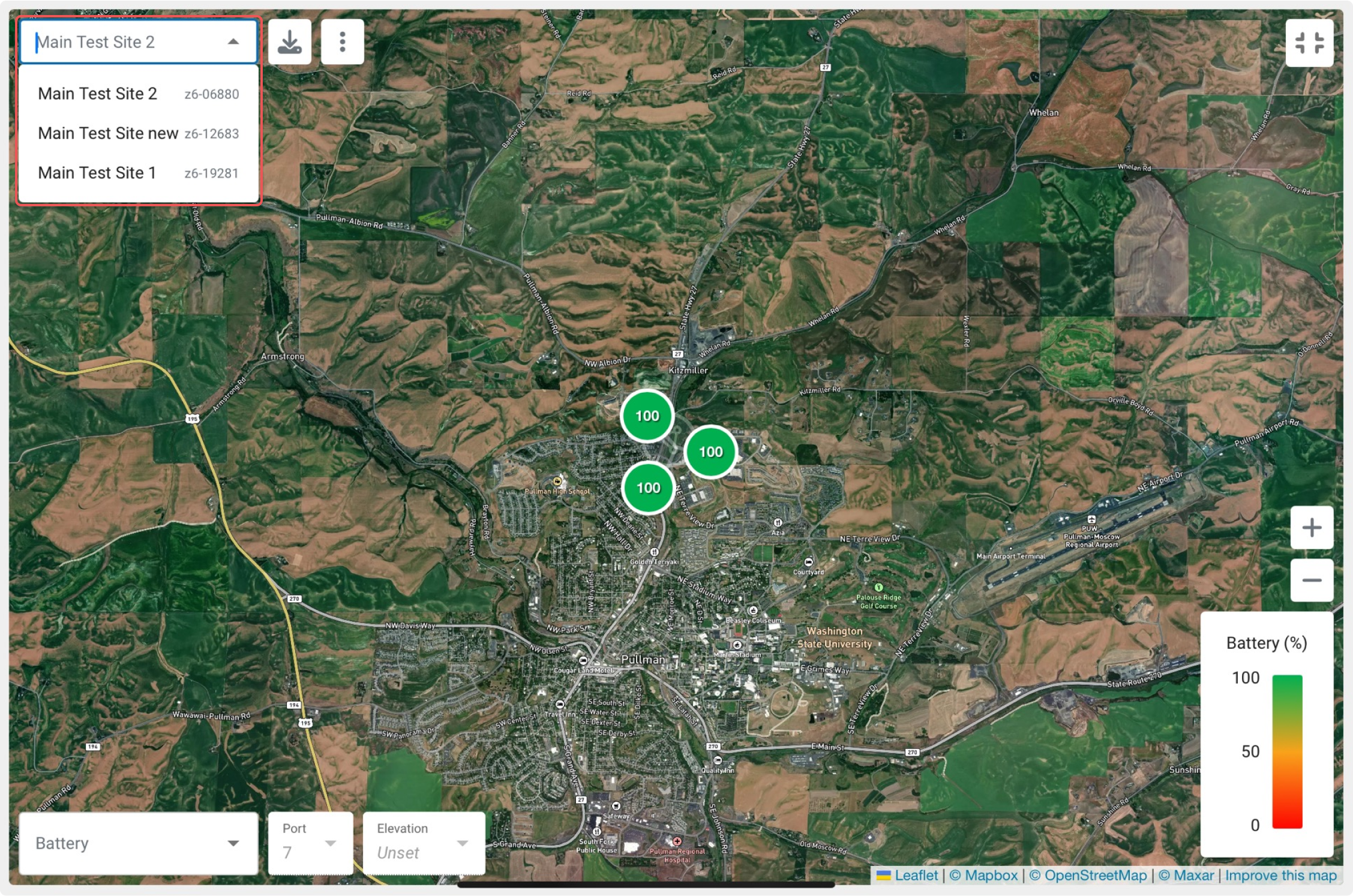
Navigate the map
Use the device dropdown, or pan and zoom the map, to move between devices.
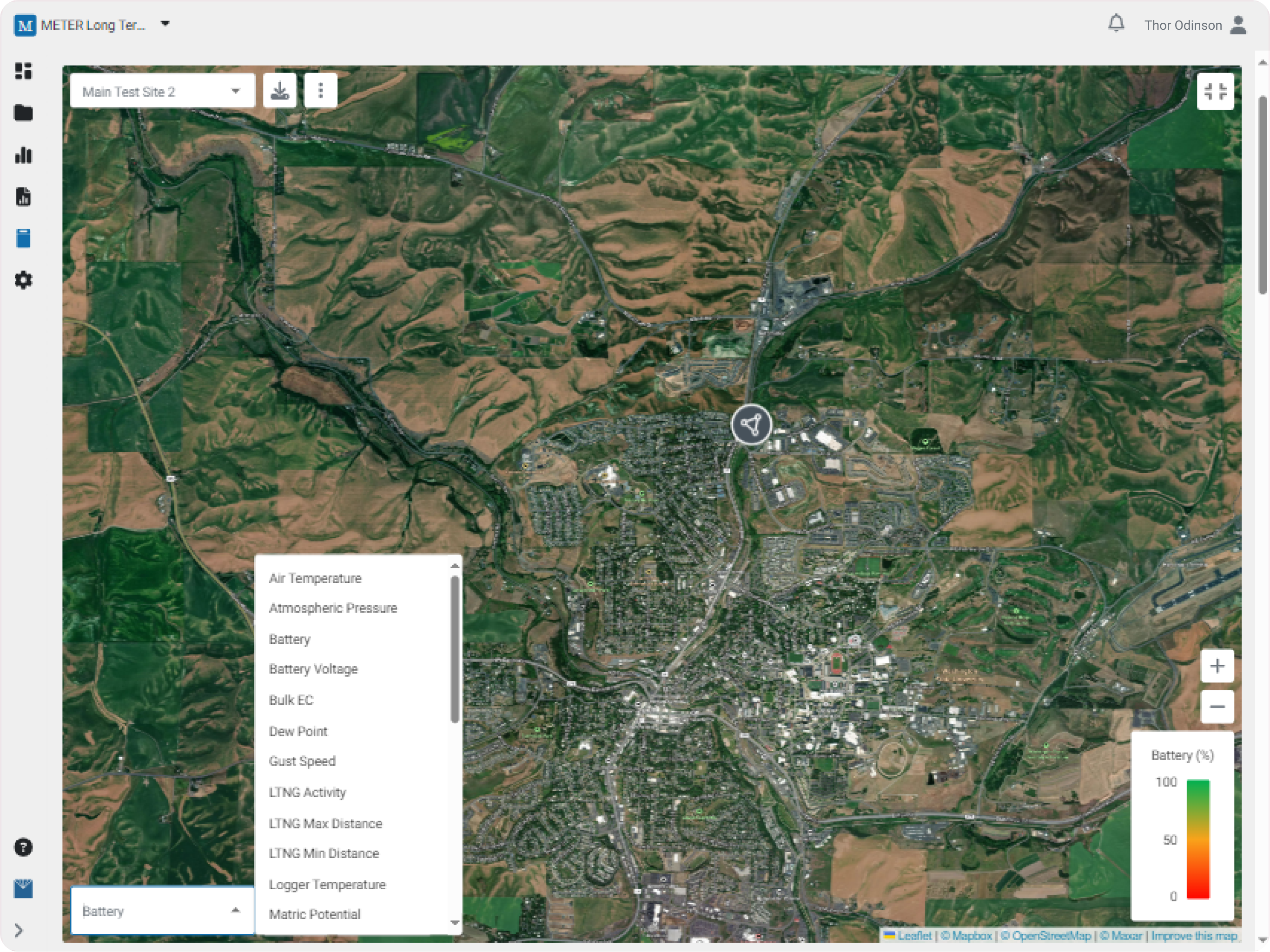
Markers
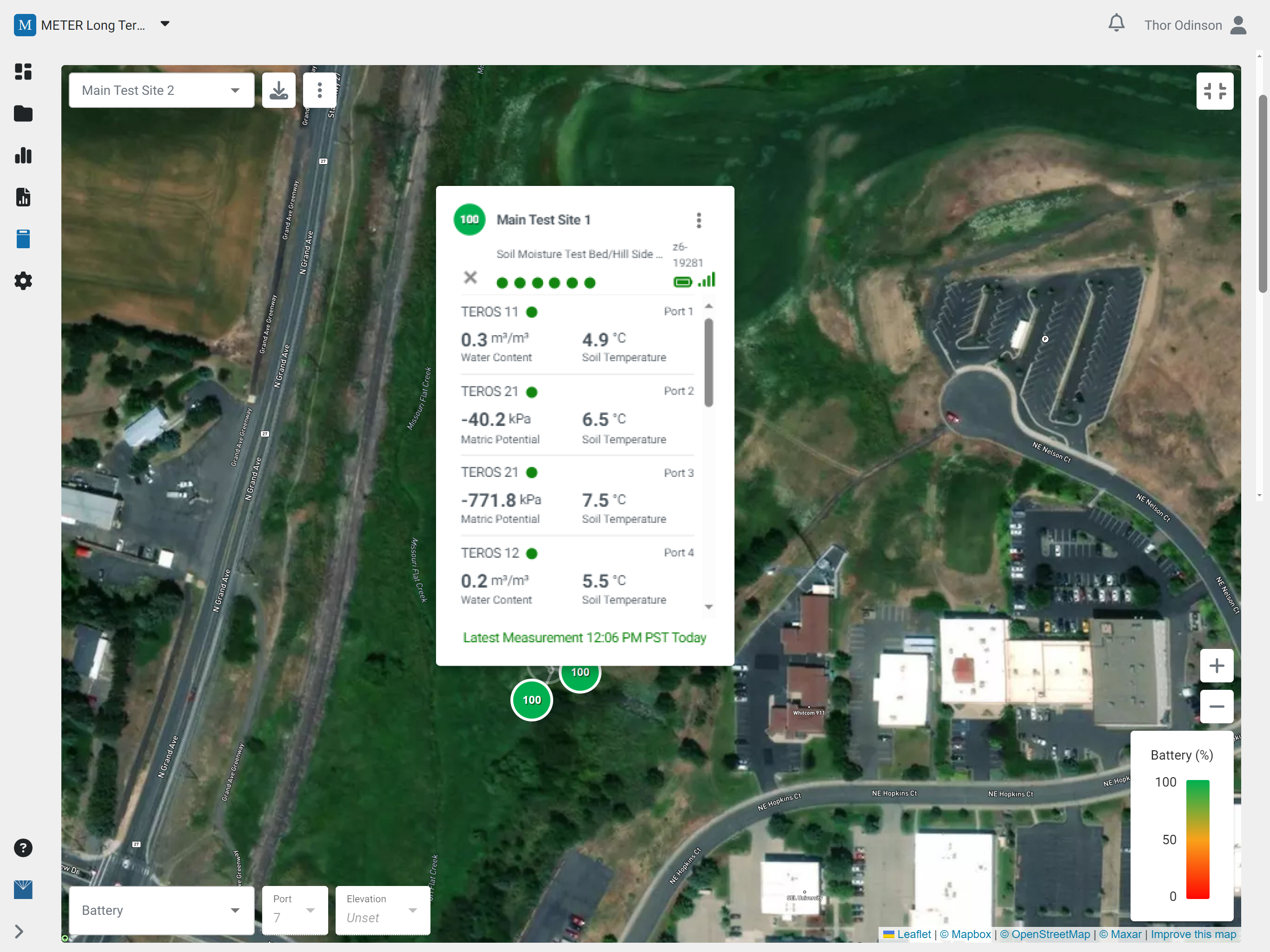
By default, each device marker displays its battery percentage. Use the dropdowns to display a different value.
Device summary
Click a device marker to open its summary. Click the Plus icon to expand the card and view the latest measurements.
Device options
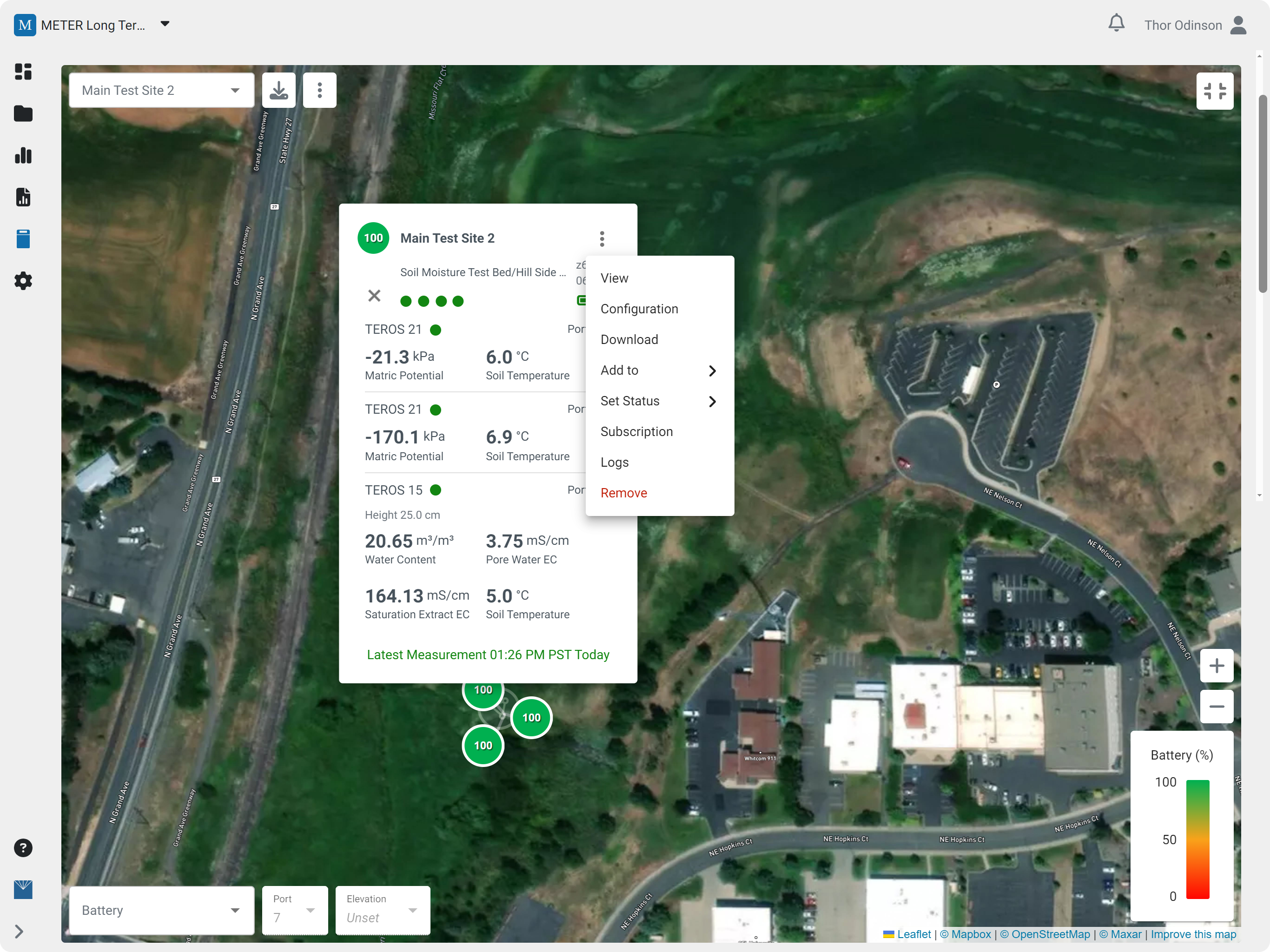
All of the familiar device options are available: click the three dots on a marker to open the device menu.
How did we do?
Data Logger Charts
Data Logger Logs
