Table of Contents
Data Logger Logs
How to view logs for a device (e.g., ZL6, ATMOS 41W, etc).
Table of Contents
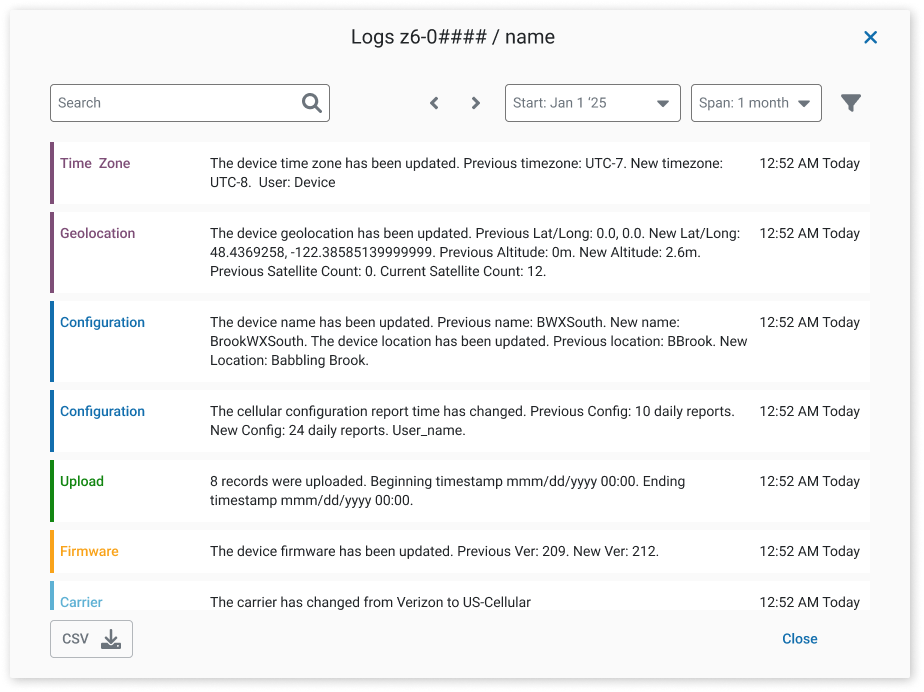
Logs record events related to your devices (such as ZL6 and ATMOS 41W) and are a useful tool for troubleshooting and monitoring system performance. They capture activities, uploads, errors, configuration changes, and more. You can search, filter, and download logs.
Access logs
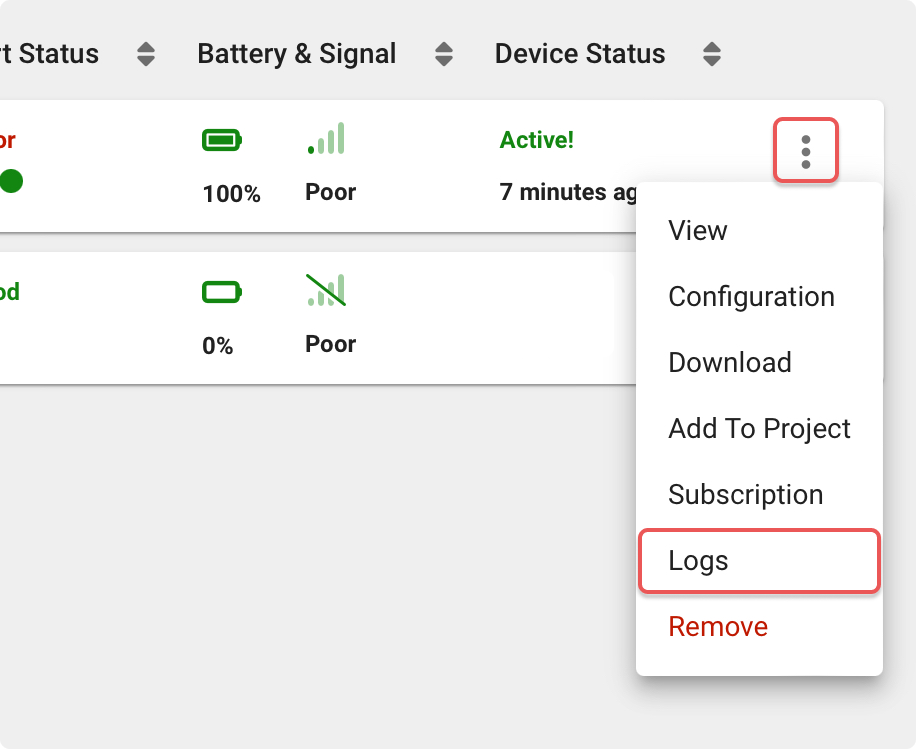
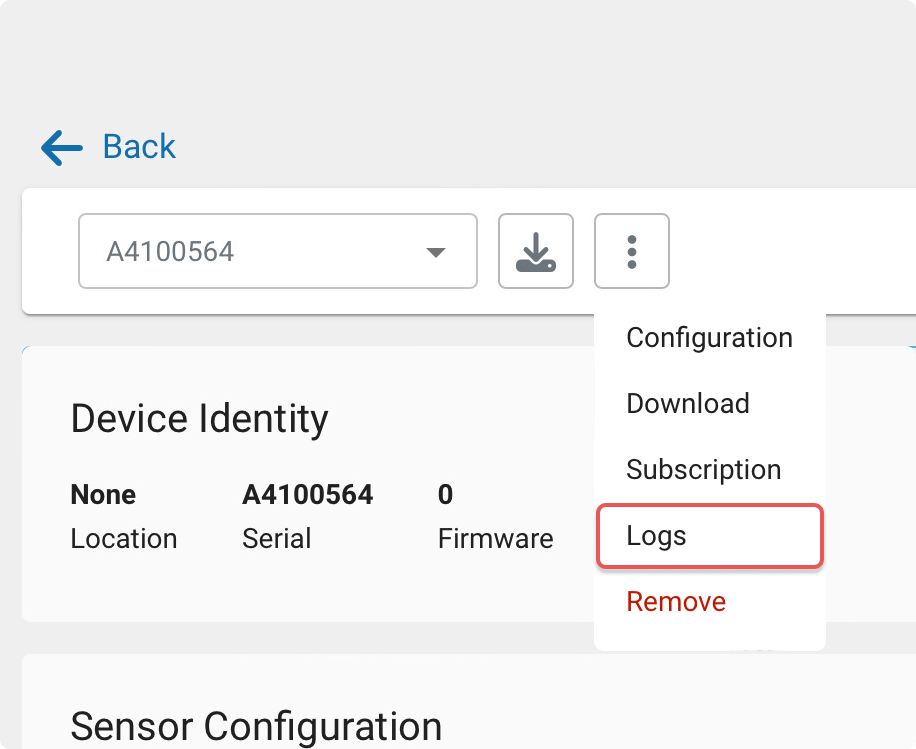
You can open logs from either the device list or the device view:
- From the device list: click the three dots, then select Logs.
- From the device view: click the three dots, then select Logs.
Device view
Logs
How-To-Video
How did we do?
Data Logger Map
