Table of Contents
Download Data
How to download data from a device.
Table of Contents
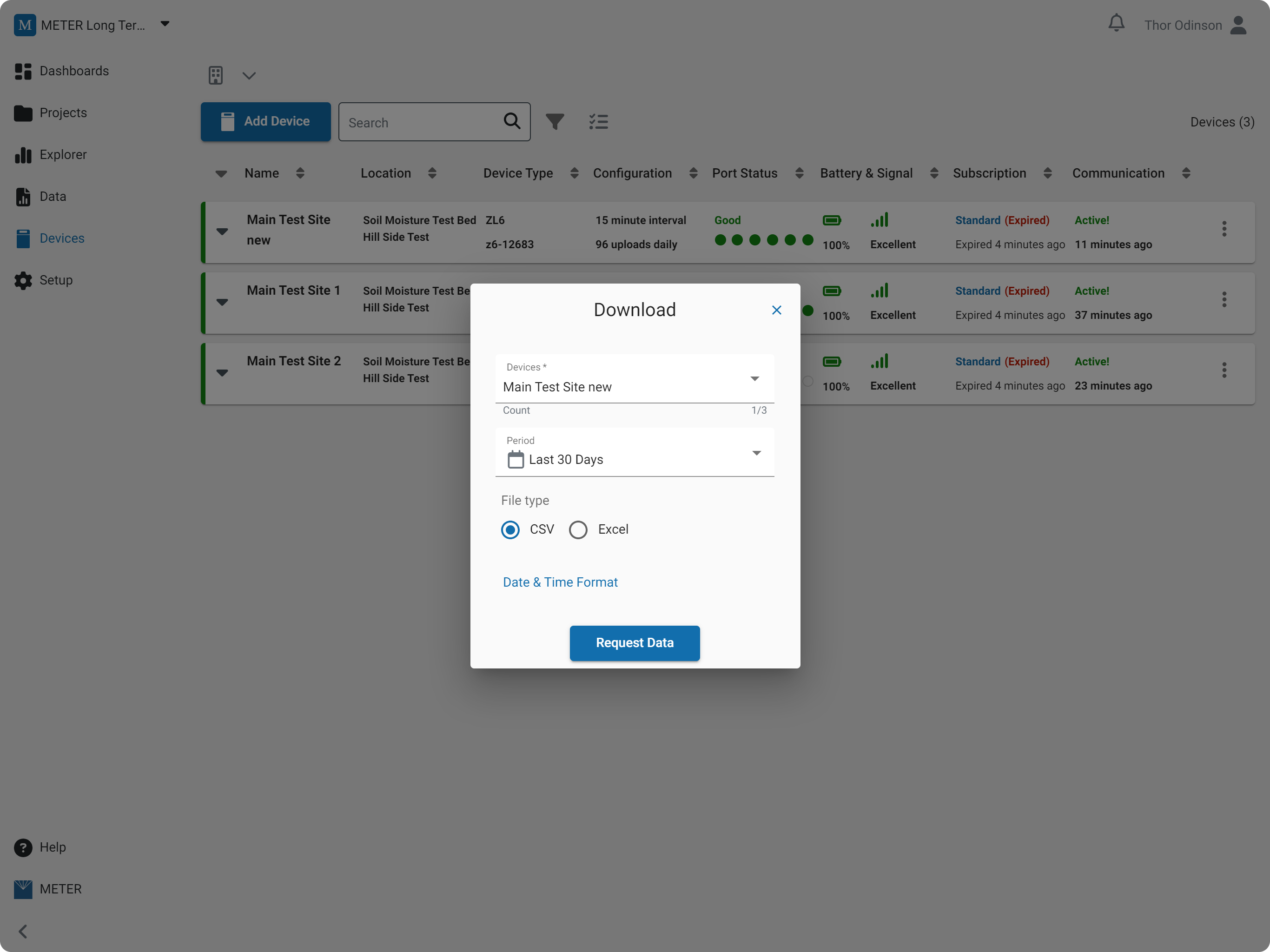
Download your data in CSV or Excel format for a single device or a batch of devices, with format options for headers and date & time.
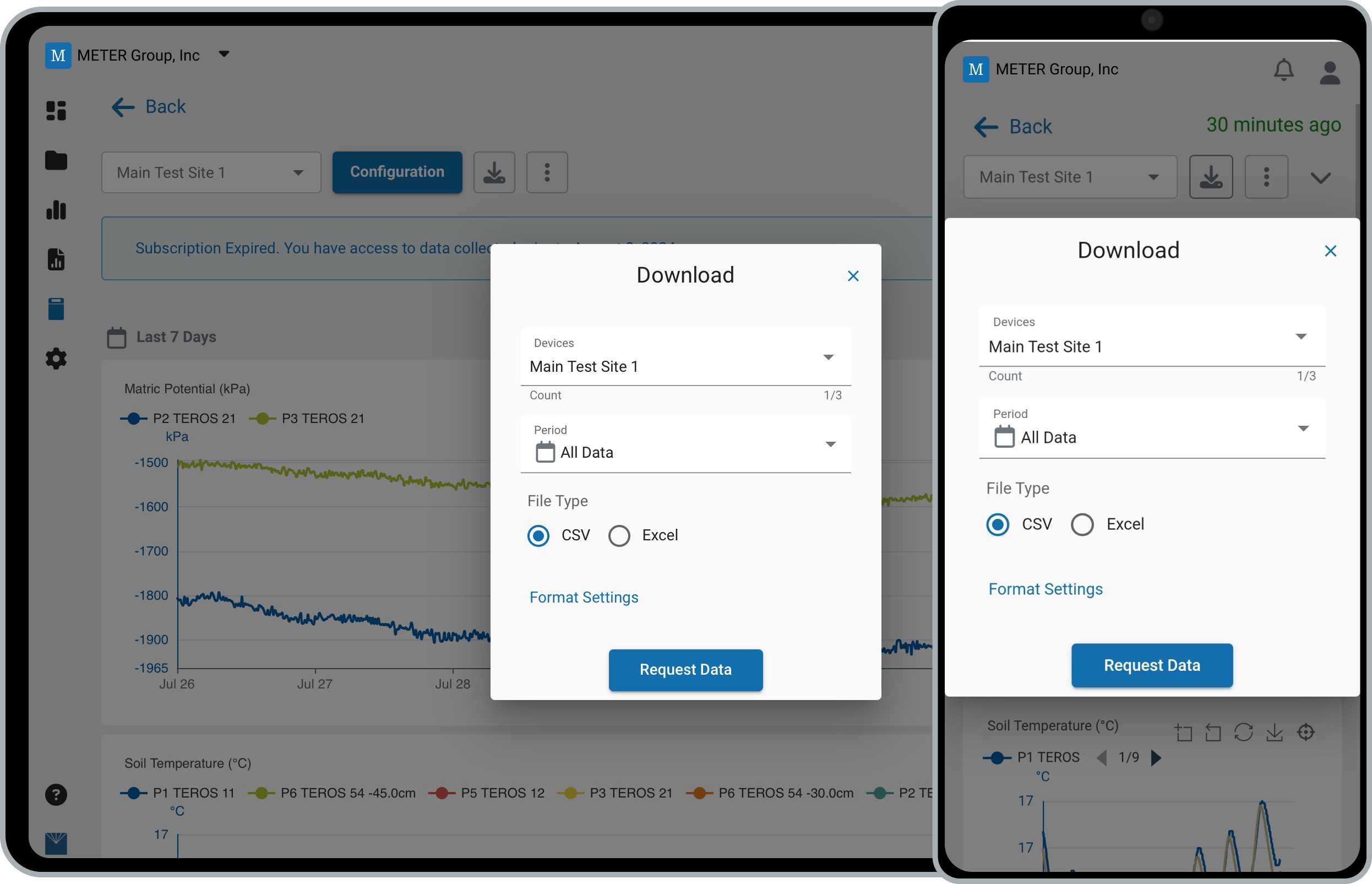
Download data
- In the navigation menu, click Devices.
- Open the download dialog:
- Click the device name, then select the Download button, or
- Click the three dots and select Download.
- Choose which device(s) to download.
- Select the download Period.
- Select the file type: CSV or Excel.
- Click Request Data to generate the file(s).
- Wait while the system prepares your file(s).
- When the file is ready, click Download.
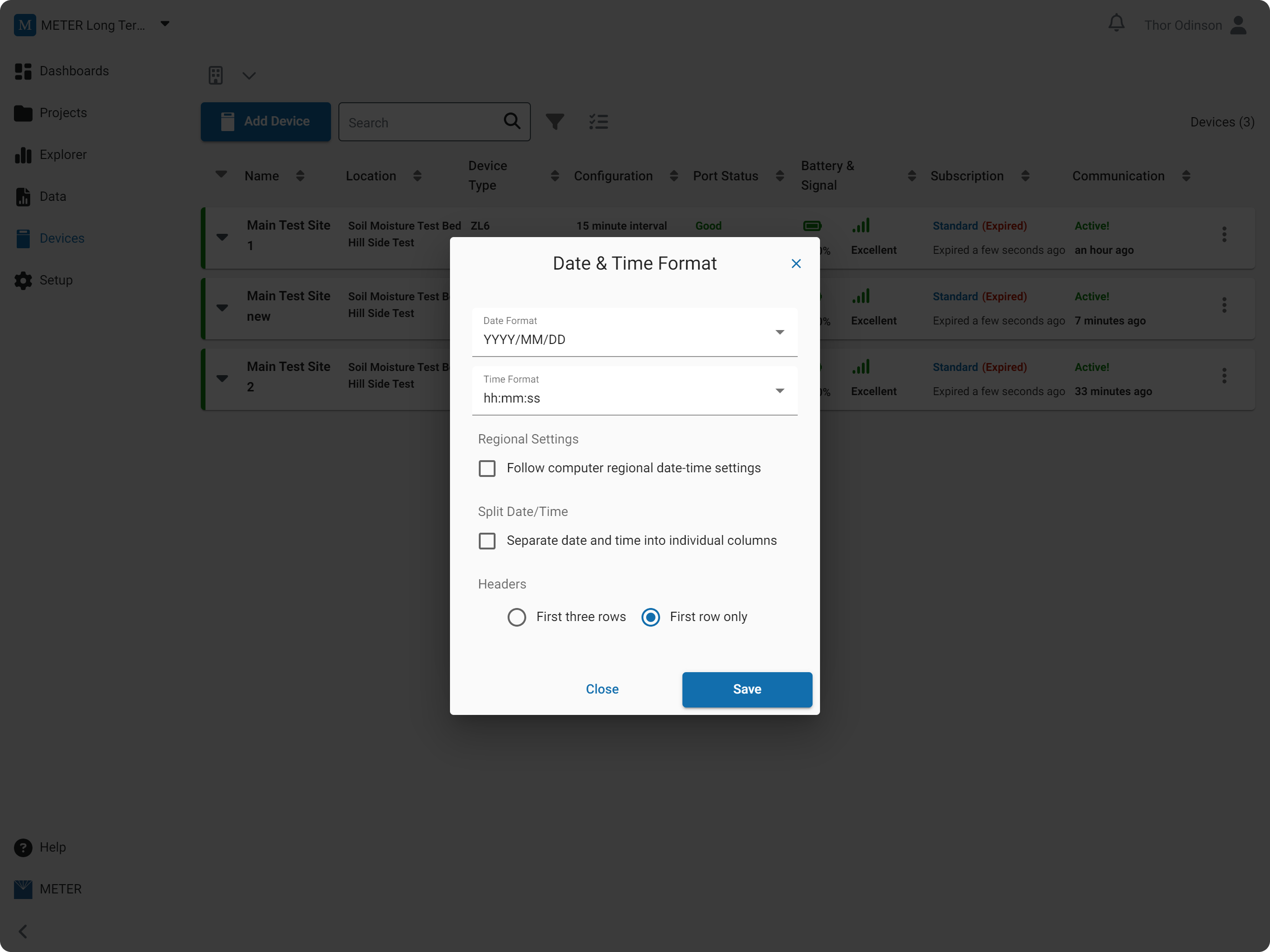
Date & time format
Select Date & Time Format to change how the date and time appear in your download.
Date formats
- DD/MM/YYYY
- MM/DD/YYYY
- YYYY/MM/DD
- DD MMM YYYY
- MMM DD YYYY
- YYYY MMM DD
Time formats
- HH:mm:ss (e.g., 00:00:00)
- hh:mm:ss PM (e.g., 00:00:00 PM)
How-To-Video
How did we do?
Configure a Data Logger
Data Logger Charts
