Table of Contents
Archive
How to archive devices in your organization.
Table of Contents
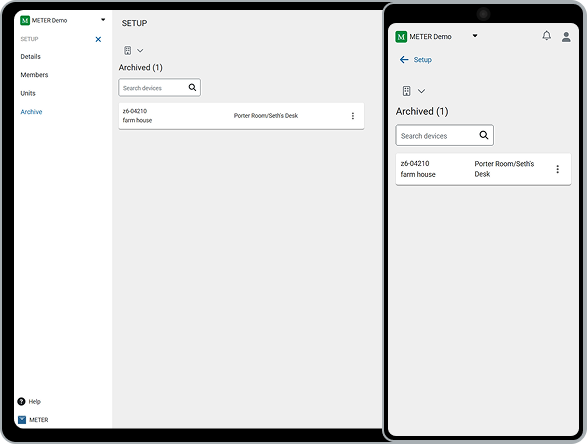
When a device is no longer in use, you can move it to your organization's archive to keep your active device lists clean. Archived devices can be viewed, restored, or permanently removed at any time.
Archive a device
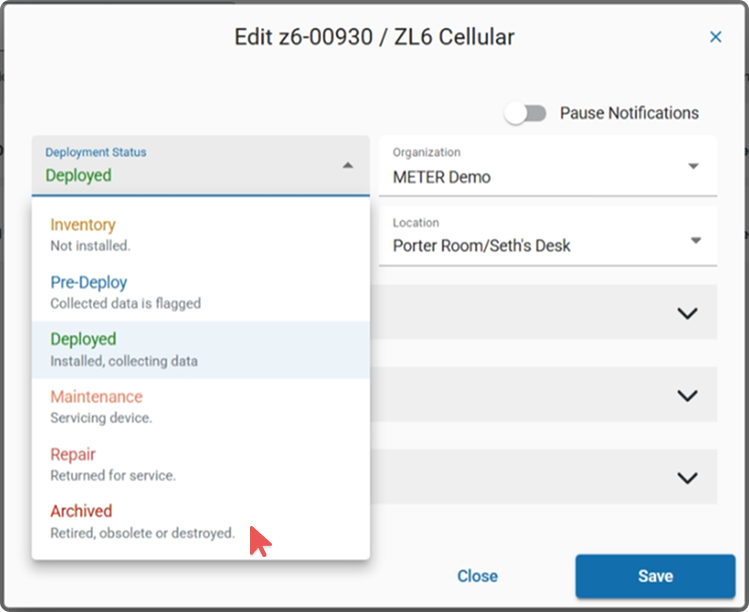
- Go to the device's Deployment Status setting.
- Change the status to Archived.
This moves the device to the Archive section under your organization's setup. Once archived, the device no longer appears in your active device lists or dropdown menus.
View archived devices
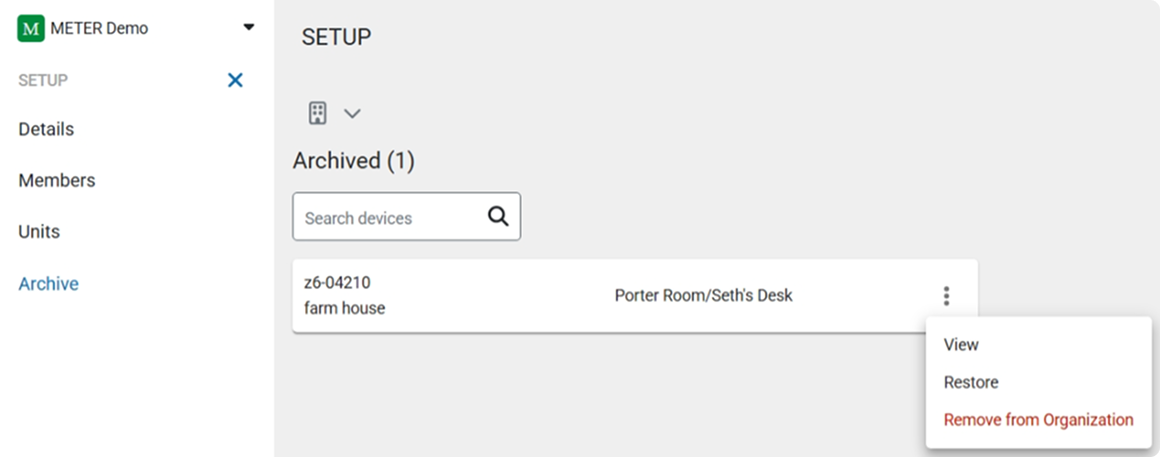
- Go to your organization setup and select Archive.
- To see details for an archived device, click the three dots and select View.
To download data from an archived device, you must first restore it.
Restore a device
To return a device to your active list, click the three dots on the archived device and select Restore. The device is removed from the archive and added back to your organization's device list.
Permanently remove a device
To permanently remove a device from your organization, select Remove from Organization.
To re-add the device later, you'll need its serial number and password.
How did we do?
Units
