Table of Contents
Install the ZENTRA Cloud App (PWA)
How to install the app for ZENTRA Cloud.
Table of Contents
Install the ZENTRA Cloud App (PWA)
ZENTRA Cloud is a Progressive Web App (PWA), so you can install it directly to your device and open it from your home screen or desktop, just like a native app. Follow the steps below for your browser.

Quick install
- Open your browser and go to app.zentracloud.io.
- Access the installation option:
- On desktop (Chrome or Edge): look for the install icon in the address bar, or open the browser menu.
- On mobile (Chrome on Android): tap the three-dot menu and select Add to Home screen.
- Confirm the installation by following the prompts.
For browser-specific steps, continue below.
Safari
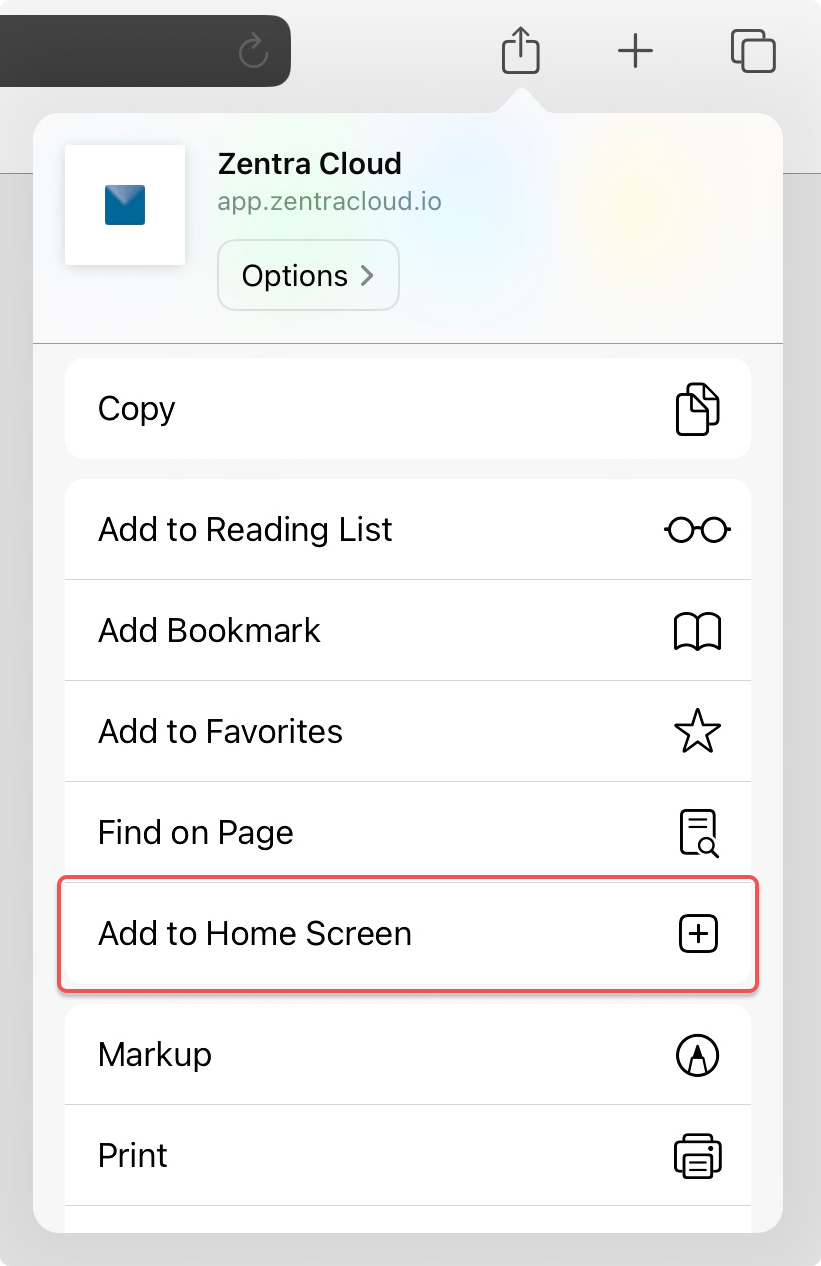
- Open Safari and go to app.zentracloud.io.
- Tap the Share button and select Add to Home Screen.
- Confirm the installation by following the prompts.
Chrome
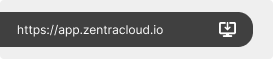
- Open Chrome and go to app.zentracloud.io.
- Install the app:
- On desktop: look for the install icon in the address bar. If it isn't there, open the three-dot menu and select Cast, Save, and Share.
- On mobile: tap the three-dot menu and select Add to Home Screen.
- Confirm the installation by following the prompts.
Edge
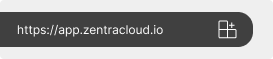
- Open Edge and go to app.zentracloud.io.
- Install the app:
- On desktop: look for the install icon in the address bar. If it isn't there, open the three-dot menu and select Apps.
- On mobile: tap the three-bar menu and select Add to phone.
- Confirm the installation by following the prompts.
Firefox
- Open Firefox and go to app.zentracloud.io.
- Install the app:
- On desktop: Firefox does not support installing PWAs directly; an extension is required. Native desktop support is coming to Firefox.
- On mobile: tap the three-dot menu and select Add app to Home screen.
- Confirm the installation by following the prompts.
How did we do?
Create Account
Feature Overview
