Use Credits
If you ordered a ZENTRA Cloud Subscription via phone or email, you will receive an email from alerts@zentracloud.com with your voucher code. If you cannot locate a voucher code please contact the sup…
If you ordered a ZENTRA Cloud Subscription via phone or email, you will receive an email from alerts@zentracloud.com with your voucher code.
If you cannot locate a voucher code please contact the support department at 509-332-5600 or support.environment@metergroup.com.
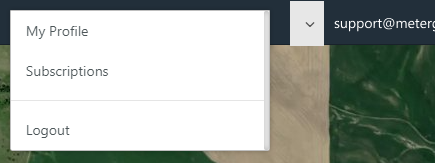
- Select your Username in the upper right-hand corner.
- Select Subscriptions from the dropdown menu.
- Click your Cart in the upper right hand corner
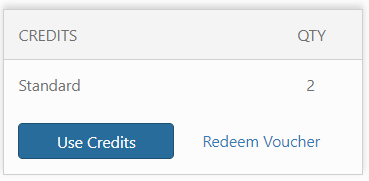
- A Cart Summary will appear. Under credits, Click Use Credits
- Select the checkboxes to choose which devices to use the credits on.
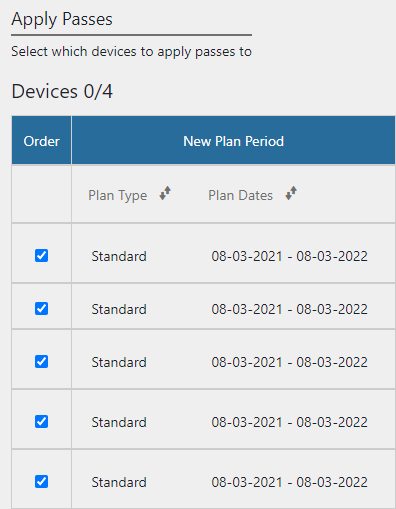
- Click the Apply button to finish.

How did we do?
Tax Exempt Business
Purchase a Subscription
