Print Charts
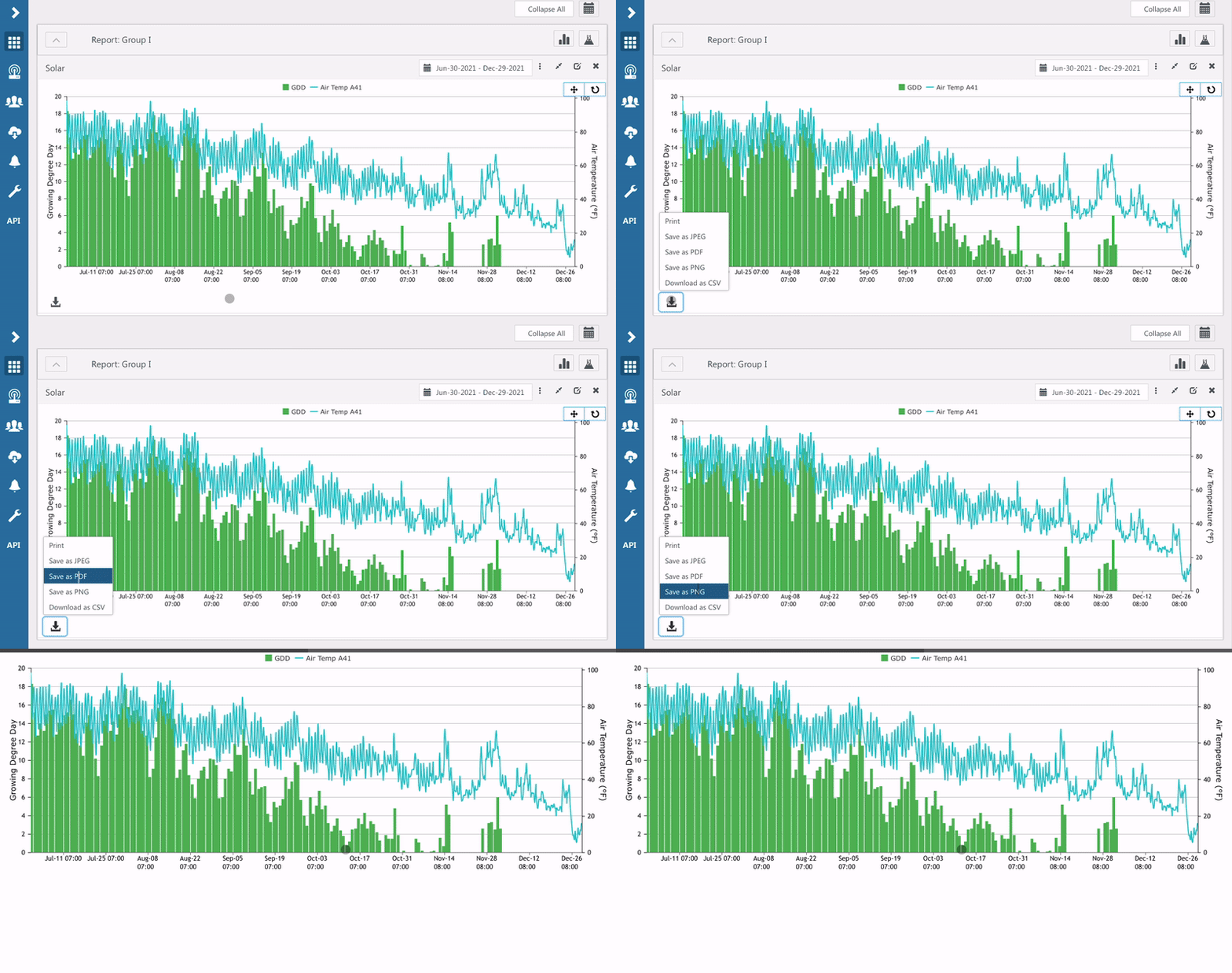
Print or download as a JPEG, PDF, or PNG any chart on the dashboard with the download icon in the lower left corner of the chart.
Custom charts can display data from one or more devices and are a great way to view or download data with one click. You can print custom charts.
Print/Save Chart Image
- Click the Download icon in the lower left.
- Select Print, JPEG, PDF, or PNG.
- You also have the option to download the chart data as a CSV.
How did we do?
Chart Stats
Set a Target Range
